

Key takeaways
Magnific and MockupHive now double as full online editors, Magnific for browser-based generation and export, MockupHive for editing mockups directly inside Figma or online, so neither needs Photoshop.
Mckups, Mr.Mockup and Unblast are worth bookmarking specifically for photorealistic PSD quality rather than sheer volume.
Package-focused work is best served by Package Mockups and PSDCovers, both of which specialise in product and container presentation.
Free doesn't always mean unrestricted. Check the licence on each download before using it for paid client work.
Behance is worth a browse even though it isn't a dedicated mockup site, since individual designers post original work there for free.
A mockup is a realistic preview of a design in a real-world setting, like a logo on a coffee cup, a website on a laptop screen, or an app icon on a phone. It is used to show a client or test an idea before production. The sites below offer two free options: hand-curated PSD libraries by designers and browser-based generators that require no Photoshop.
Check the licence before you use it
Most sites on this list allow personal and commercial use, but terms vary by file and creator. Some require attribution or restrict resale. Before placing a client's logo into a downloaded mockup, check the licence notes on that file instead of assuming the whole site follows one rule. It takes thirty seconds and prevents awkward conversations if a client asks about the base file.
1. Magnific (formerly Freepik)
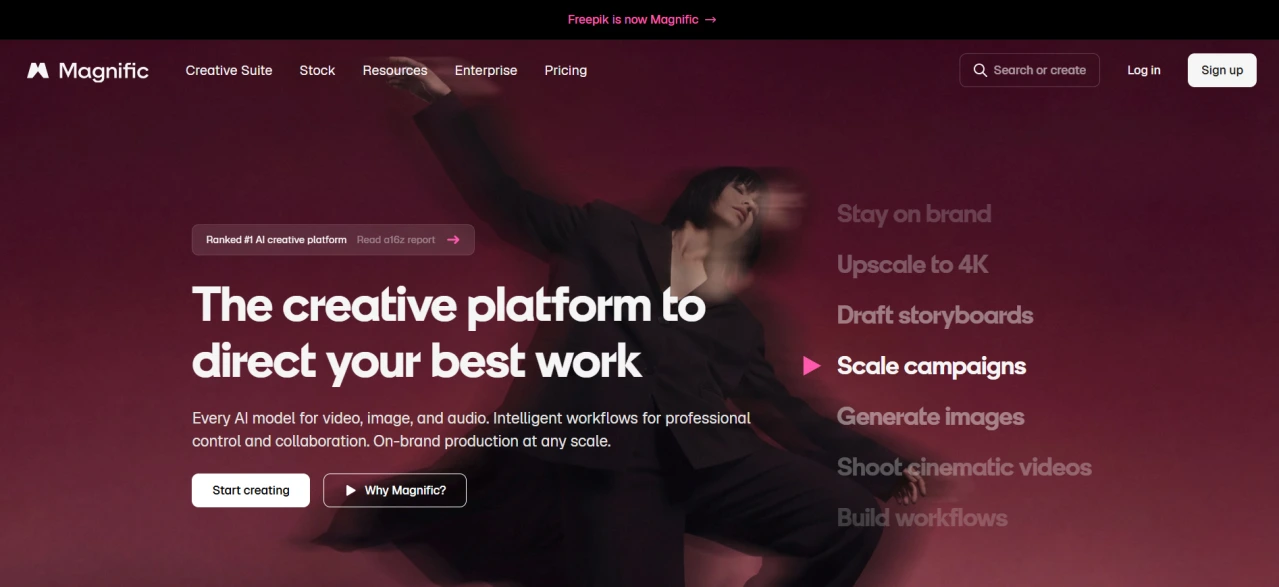
Magnific is an AI creative platform built on the same stock library, paired with image generation, video, and a purpose-built mockup tool. The AI product includes a specialised mockup generator for product shots, alongside broader image, video, and audio tools. You can upload a design and drop it straight into a photorealistic product scene without opening Photoshop. A free tier still makes it usable for casual mockup work, though deeper AI features increasingly require a paid plan.
2. MockupTree
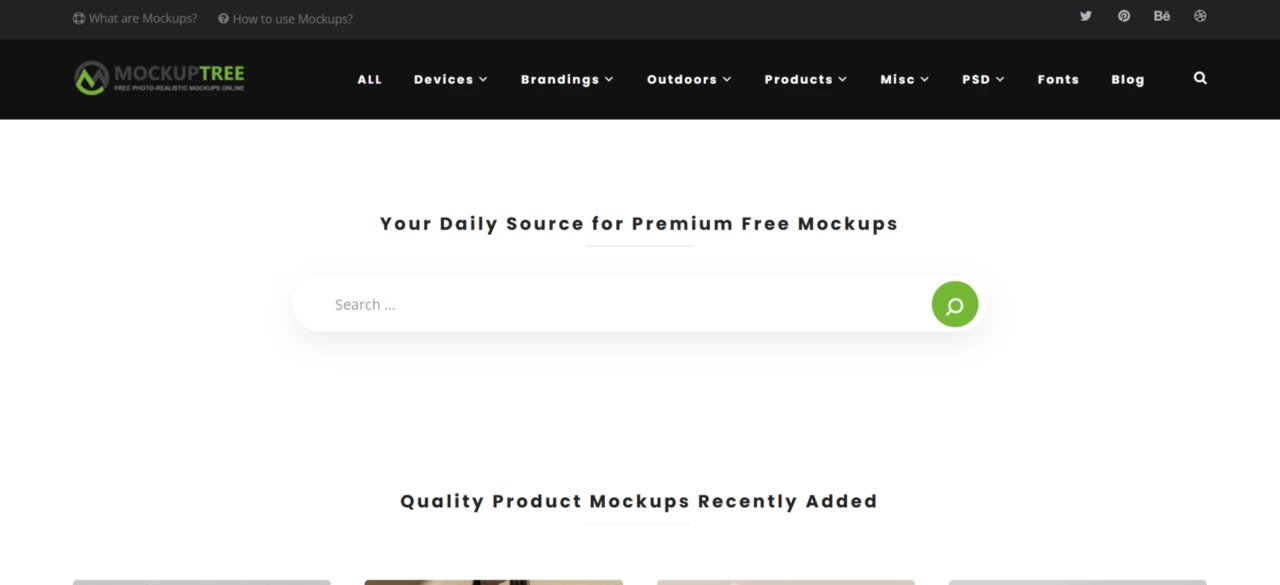
MockupTree is built for web and graphic designers, offering hundreds of ready-to-use PSD files covering Apple devices, branding, outdoor advertising, and product shots. The files are clean and professional rather than heavily styled, making them easy to adapt to a client's brand palette.
3. GraphicBurger
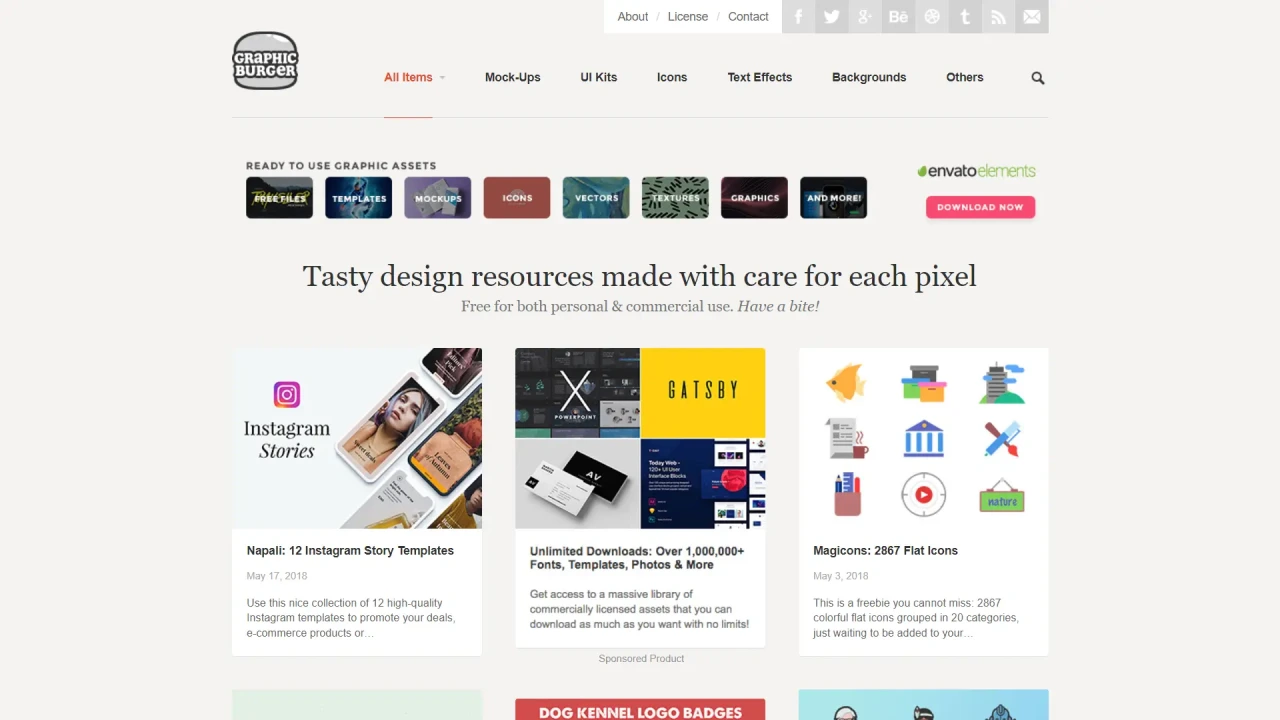
GraphicBurger combines mockups with templates, icons, and UI kits, organised into categories like branding, packaging, websites, apps, and stationery. Everything is free for personal and commercial use. The categorisation helps you narrow down quickly instead of scrolling through a long feed.
4. Good Mockups
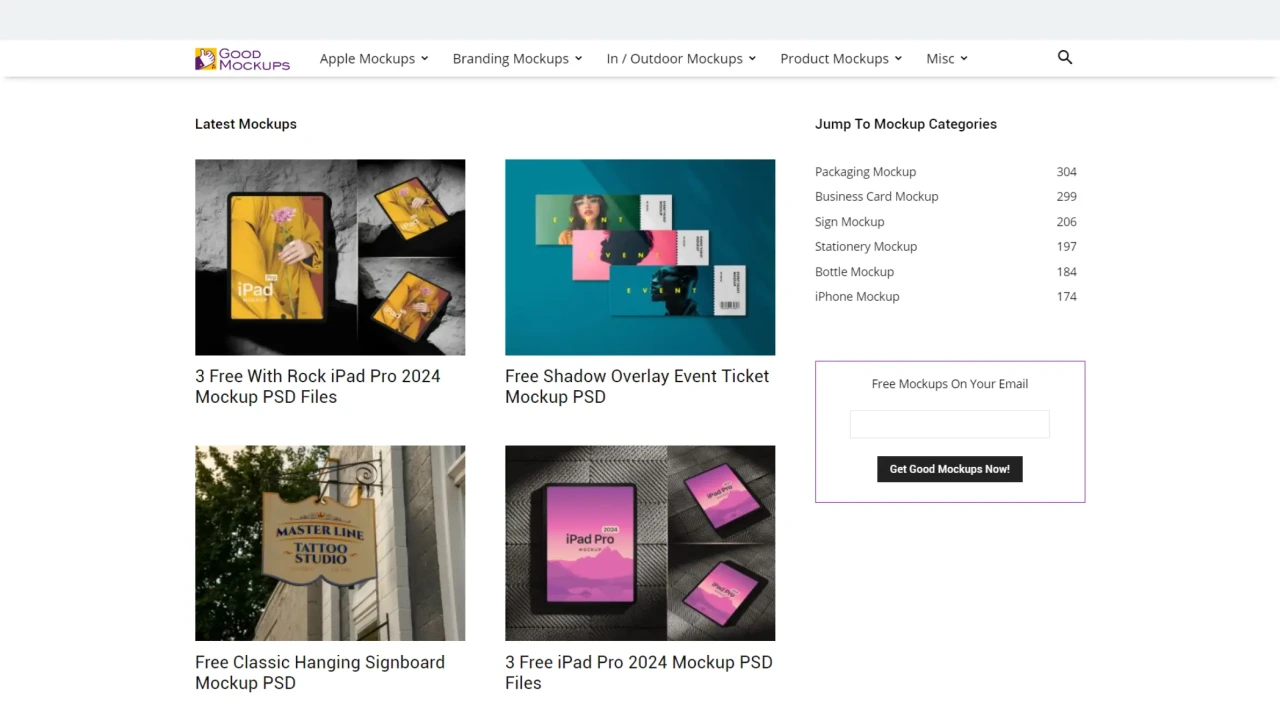
Good Mockups focuses on Photoshop-ready smart-object files for print, web, and product work. Its website, app, phone, and packaging mockups are high resolution and handpicked rather than scraped in bulk, keeping quality consistent across categories.
5. Mockupden
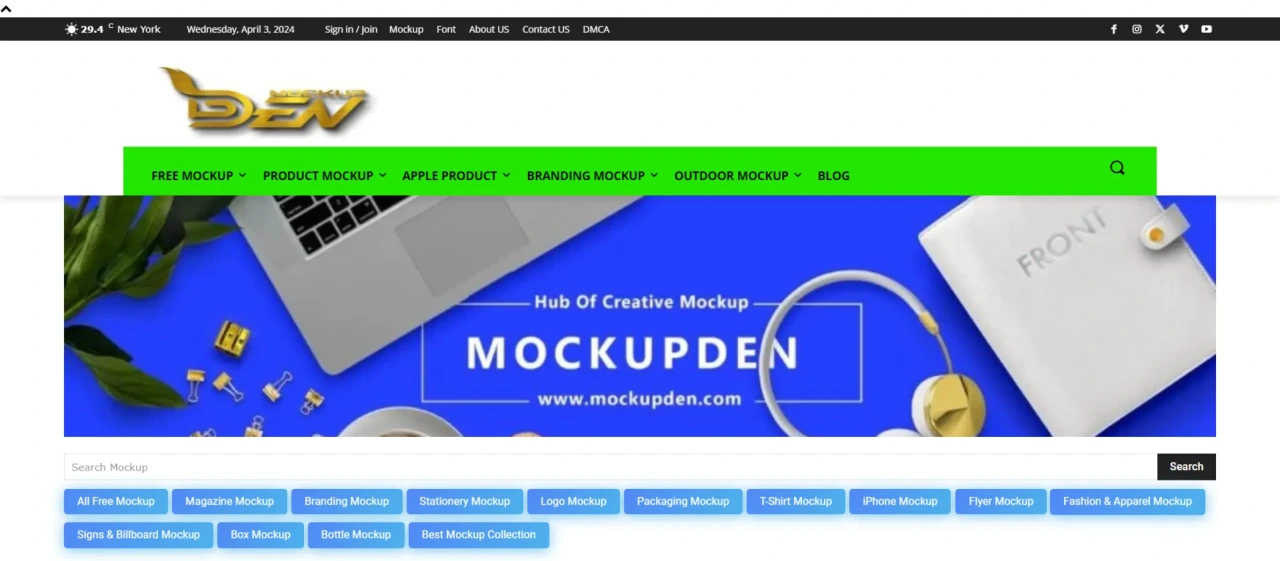
Mockupden covers branding, packaging, devices, and stationery in one collection, aimed at print designers, web designers, and graphic artists. It is a solid middle-ground option when you want variety without searching multiple niche sites.
6. Mockup World
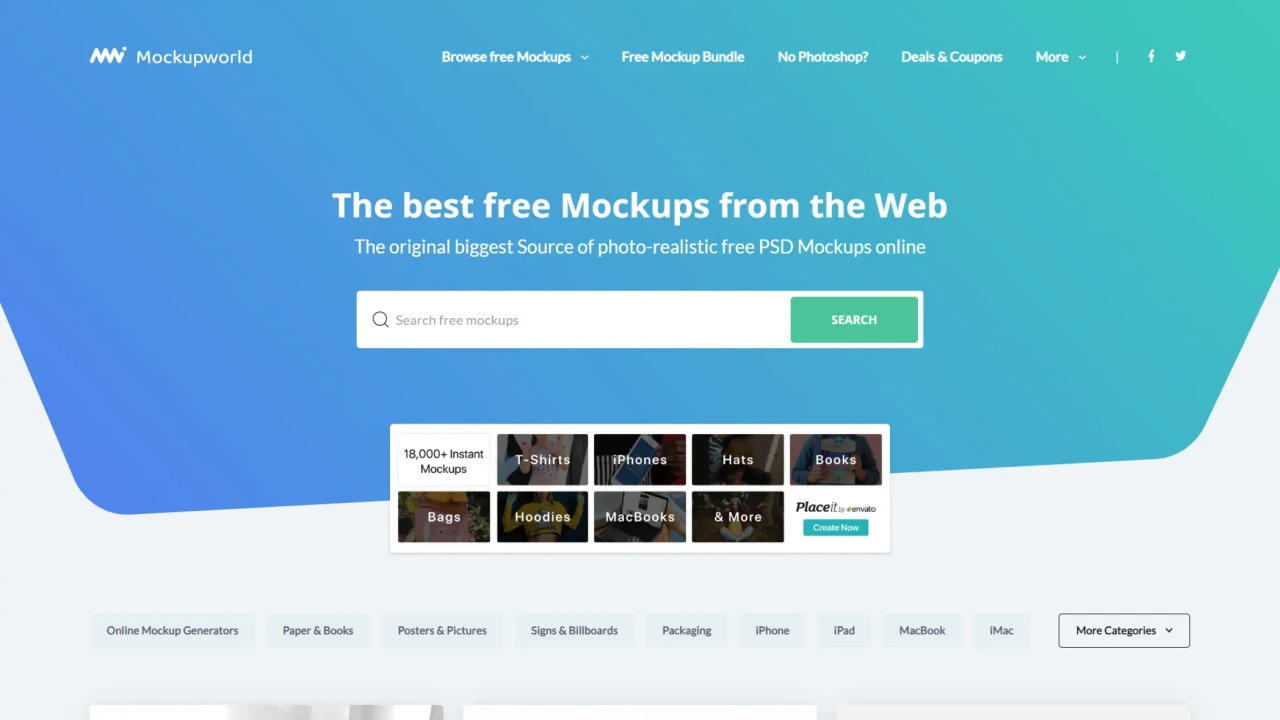
Mockup World aggregates thousands of photorealistic PSD mockups from across the web instead of producing its own. Every listing includes a preview image, a short description, and a direct link to the original download page. This makes it useful as a discovery tool even when the file is hosted elsewhere.
7. Pixeden
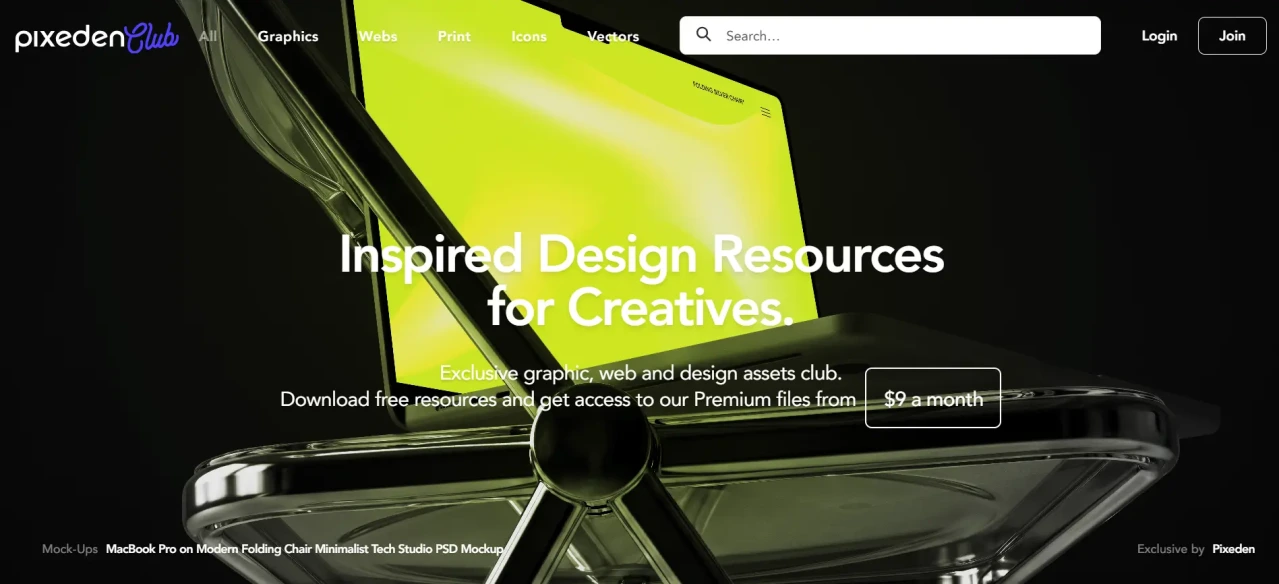
Pixeden offers templates, icons and mockups for websites, apps and physical products, with a slightly more polished, agency-style aesthetic than some of the bulk aggregators on this list.
8. Mckups
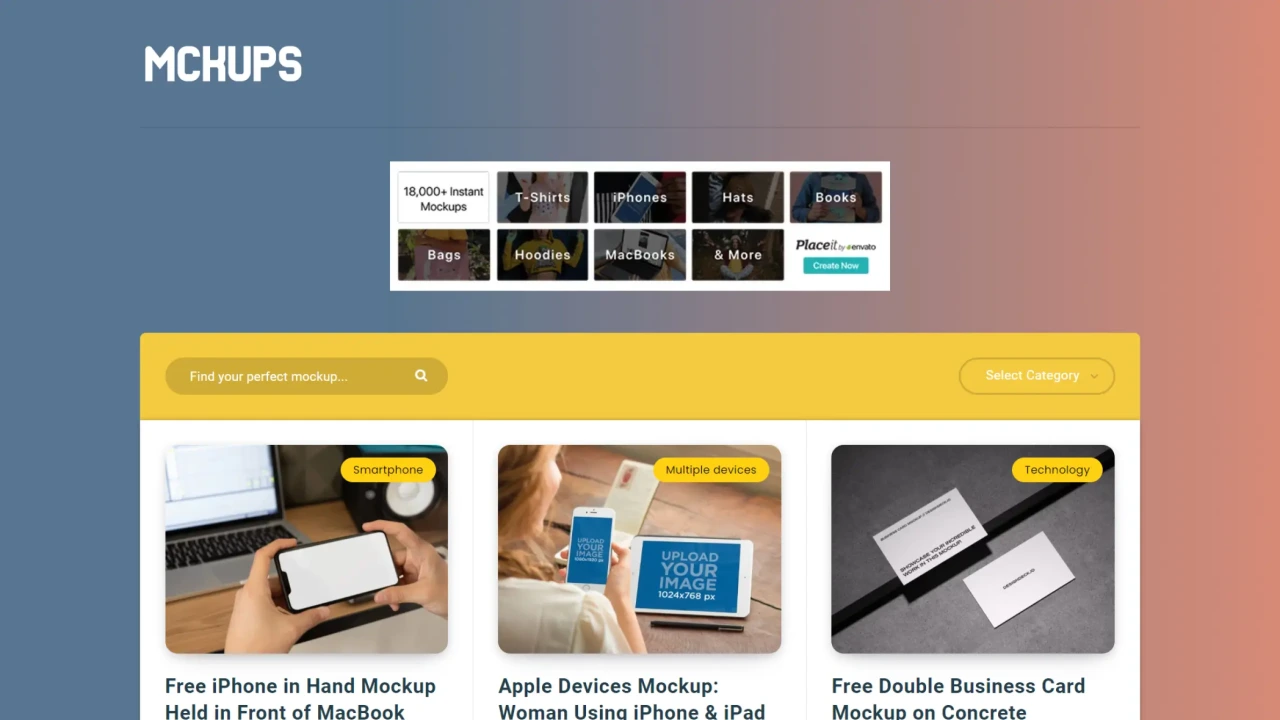
Mckups handpicks files from some of the industry's stronger creators rather than pulling everything available, which shows in the finish. If quality and lighting realism matter more than volume, this is one to bookmark first.
9. PSDCovers
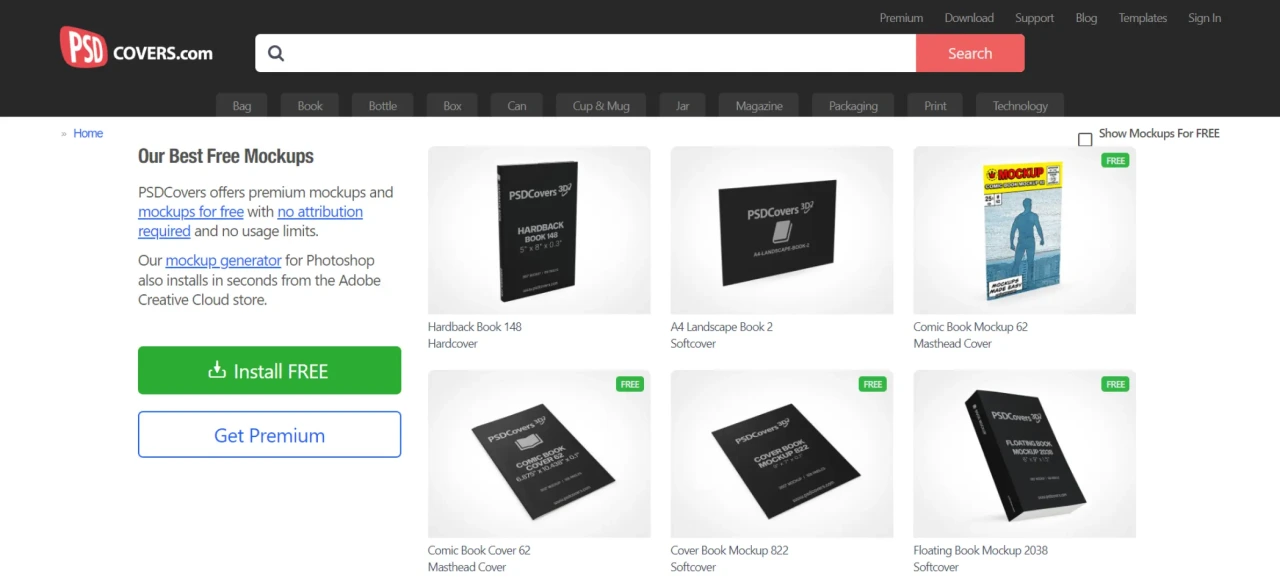
PSDCovers focuses on one task: rendering flat 2D designs onto book, magazine, and box mockups in seconds via its generator panel. It is a narrower tool than most on this list but genuinely useful if publishing or packaging covers are part of your work.
10. Unblast
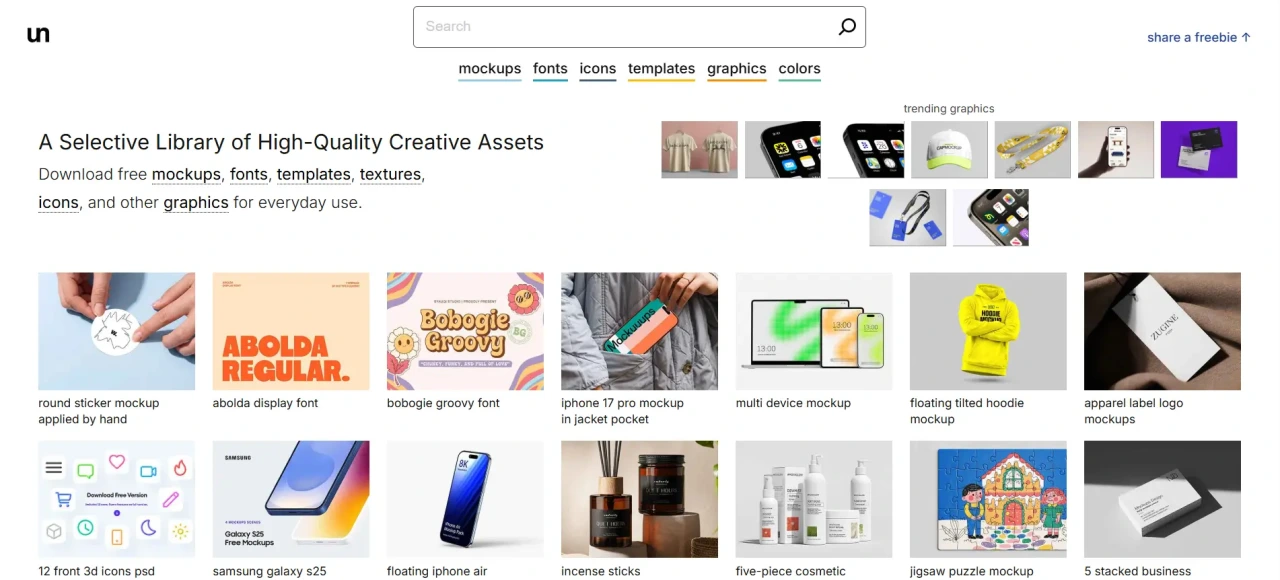
Unblast gathers mockups, fonts, templates, and icons from designers worldwide. It updates often enough to make checking back periodically worthwhile instead of treating it as a one-time download.
11. MockupHive
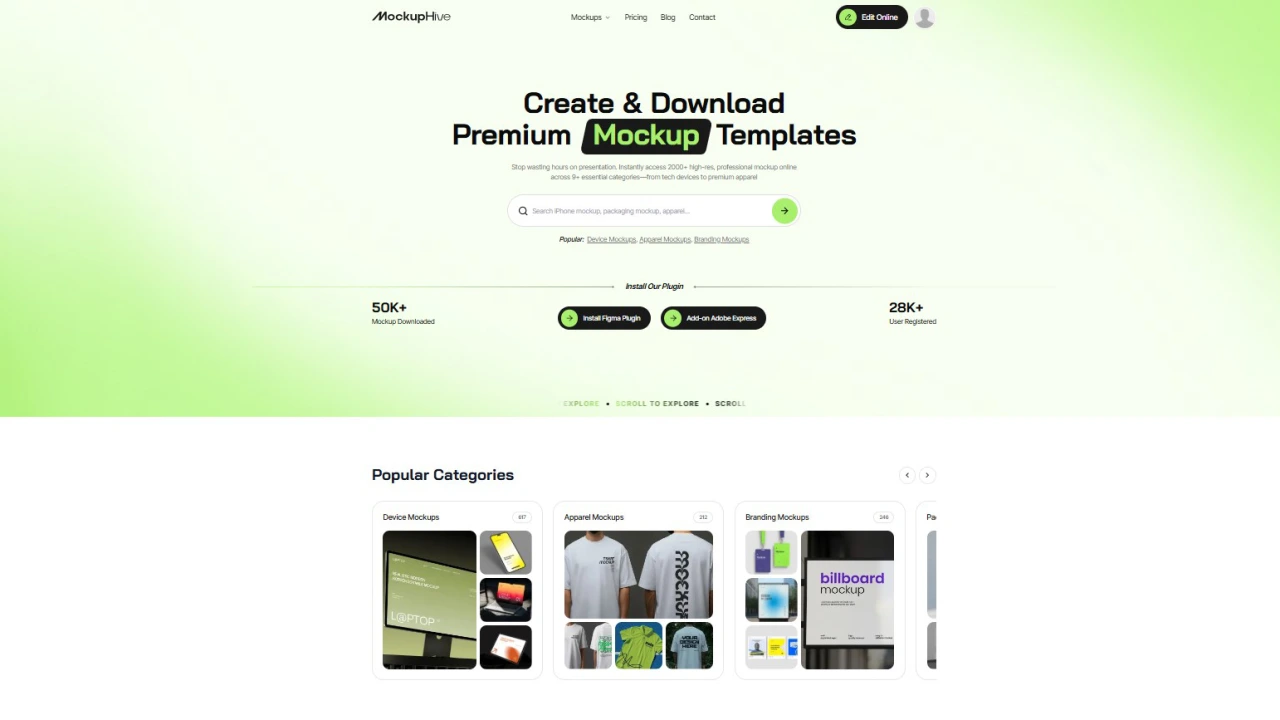
MockupHive is a modern mockup library offering thousands of free and premium mockups for branding, packaging, apparel, devices, social media, and marketing projects. MockupHive combines high-quality PSD mockups, online mockup editing, and Figma-supported workflows to help designers, marketers, and brands create professional presentations.
12. Mr.Mockup
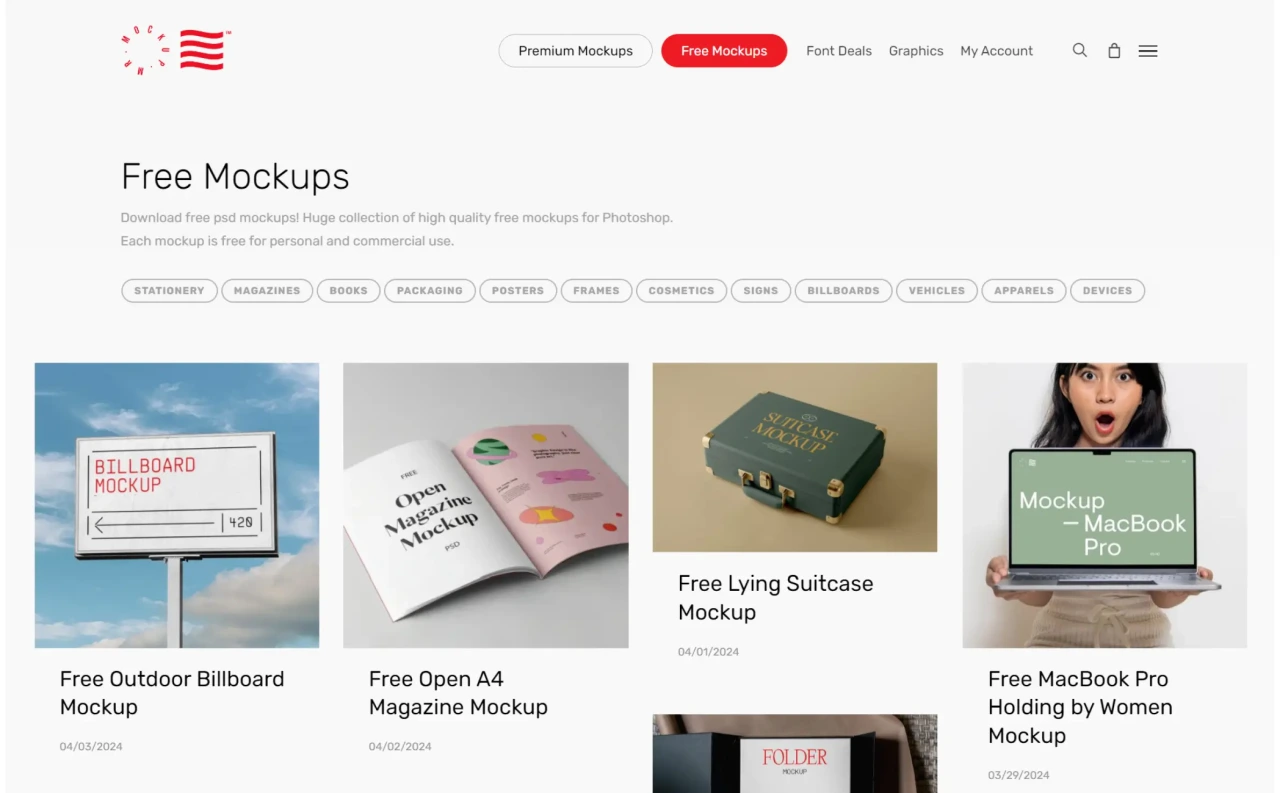
Mr.Mockup is a side project from Noeeko, a branding and graphic design studio, and that background shows in the polish of the files. Every mockup is cleared for personal and commercial use.
13. Mockup Hunt
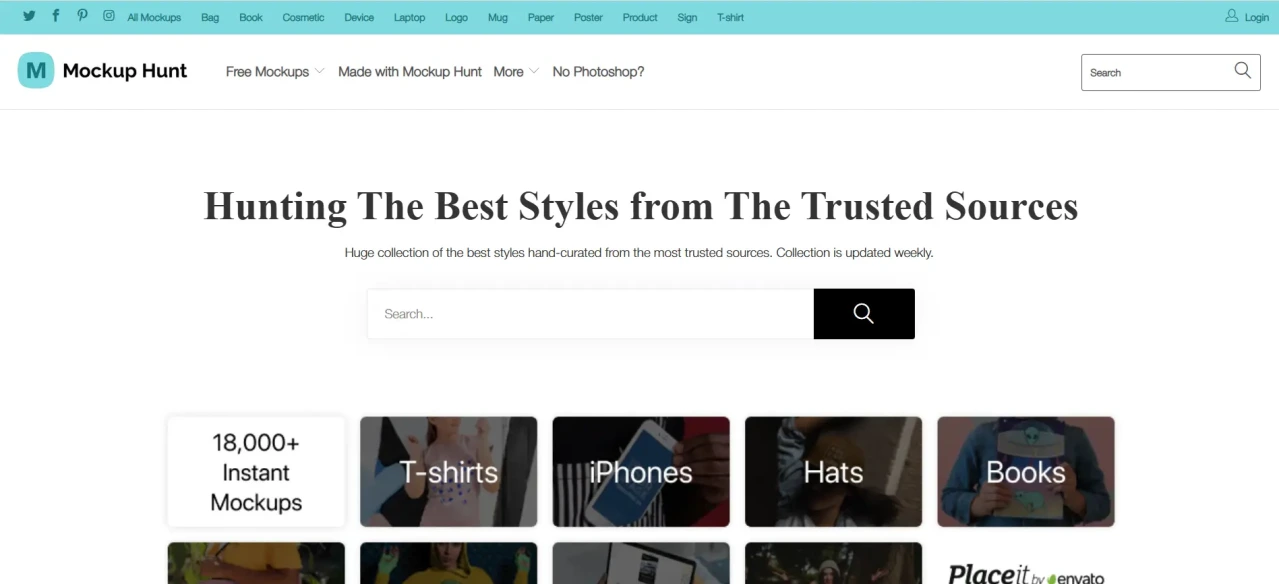
Mockup Hunt curates thousands of PSD files handpicked from trusted sites, grouped into stationery, business cards, t-shirts, books, magazines, flyers, posters, frames, packaging, and logos. It acts like a filtered version of larger aggregators, useful when you want quality without wading through everything.
14. Pixel Buddha

Pixel Buddha blends free and premium resources, with free mockups covering mobile phones, laptops, business cards, and packaging. It is worth checking if you are open to occasional premium purchases for specific briefs.
15. Package Mockups
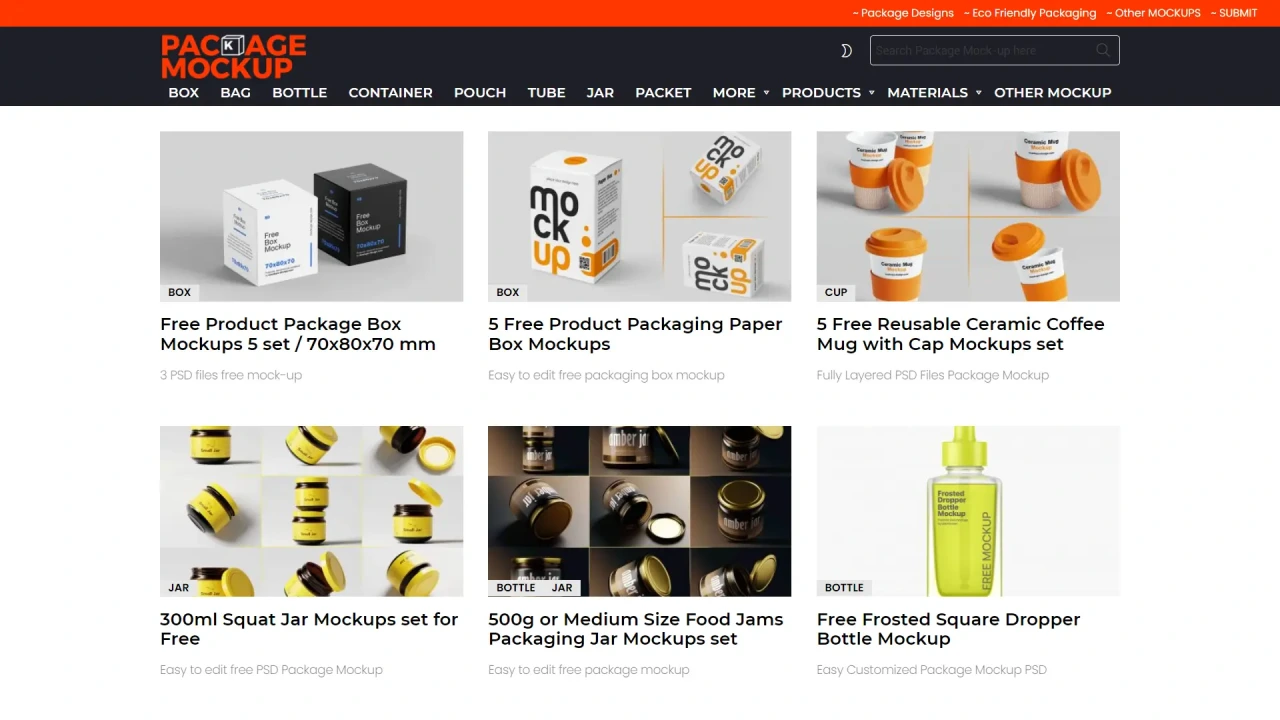
Package Mockups is dedicated entirely to photorealistic packaging, food, cosmetics, beverages, and product boxes. This makes it a faster stop than a general mockup site if packaging is the whole brief.
16. FreePSD Templates
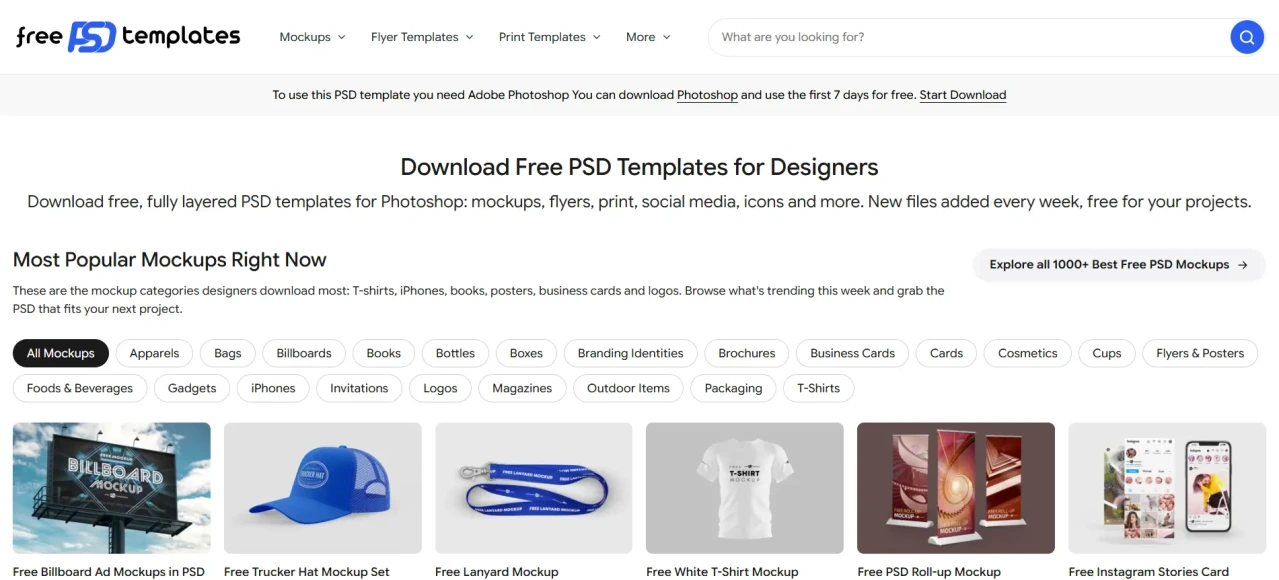
FreePSD Templates organises its collection into nearly twenty subcategories, all free for personal and commercial use. It suits pieces meant for online sales listings as much as design presentations.
17. Mockups Design
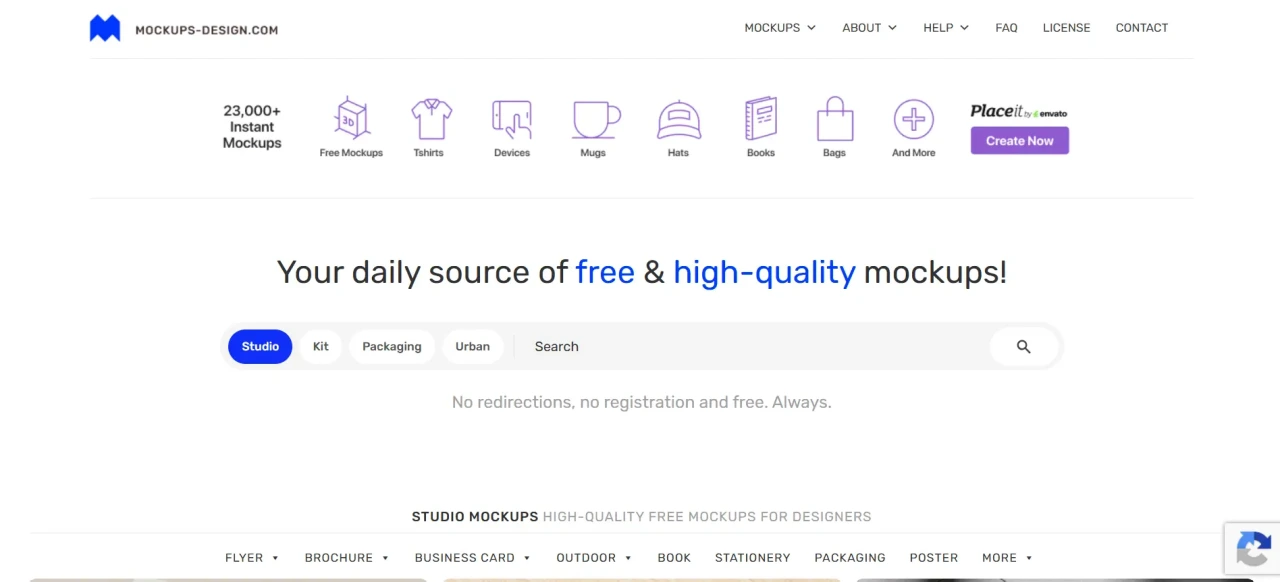
Mockups Design offers free PSD mockups across flyers, packaging, books, apparel, devices and stationery, with several scenes per mockup and a scene creator kit for building custom compositions.
18. Behance
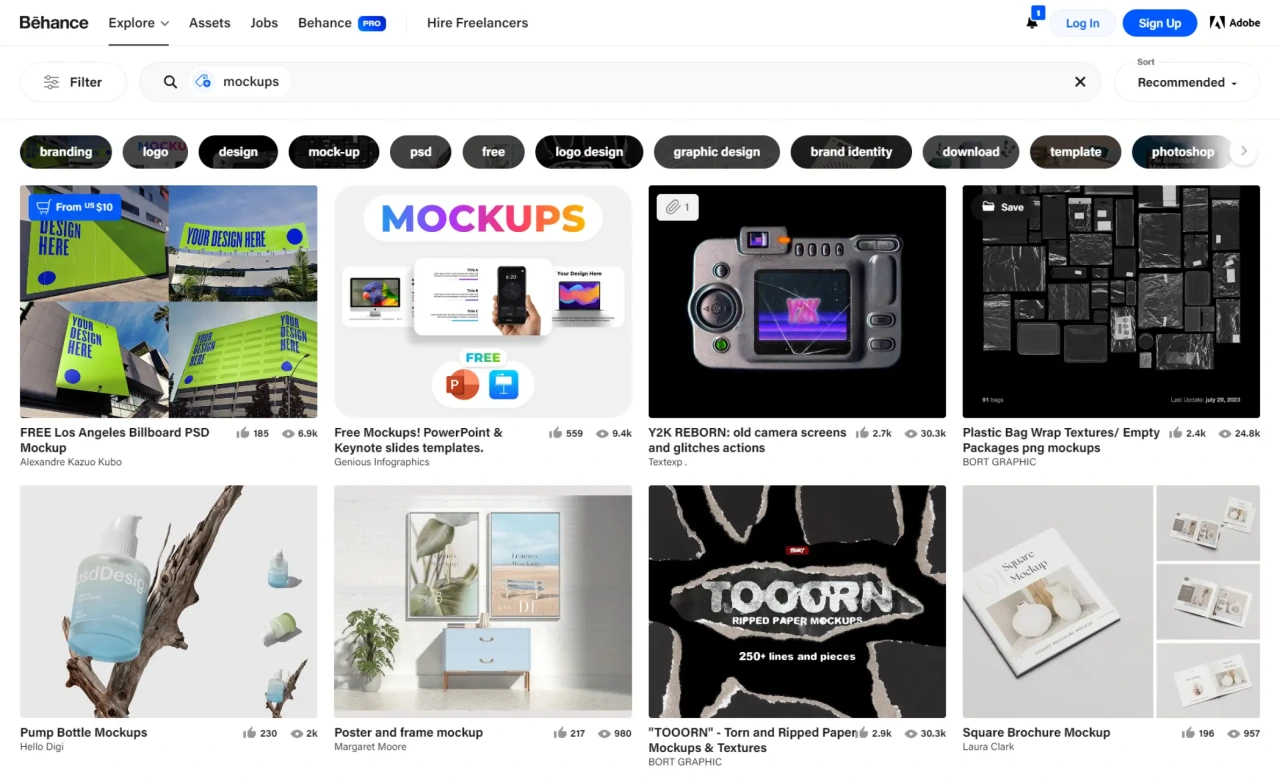
Behance is not a dedicated mockup site but a portfolio platform. Many designers post their own mockup files there for free alongside project showcases. It is worth browsing for something more original than what circulates on aggregator sites, though availability depends on what creators choose to share.
Frequently asked questions
Are these mockups really free for commercial client work?
Most are, but licence terms are set per file or per creator, not site-wide. Read the specific licence attached to a download before using it in paid work, particularly on aggregator sites that pull files from multiple sources.
Do I need Adobe Photoshop to use these mockups?
Most files on this list are PSD format, which needs Photoshop or a compatible editor to open the smart object layers. Magnific and MockupHive are exceptions, letting you edit and export directly in the browser, or work inside Figma if that's already part of your workflow.
What's the difference between a mockup and a template?
A mockup places a finished design into a realistic setting to preview how it looks in context. A template is closer to a starting structure you build a design inside. Mockups come after a design is done; templates come before.
Can AI tools generate mockups without a PSD file at all?
Yes. Browser-based generators, including Magnific, now let you upload artwork and produce a photorealistic scene without any smart object file or design software, a faster route when you need one quick preview rather than a library to browse.
Which site is best if I only need packaging mockups?
Package Mockups and PSDCovers are the most narrowly focused on packaging and containers, which tends to mean less scrolling than a general-purpose library.

