

A wine bottle PSD mockup is a layered Photoshop file that lets you preview a label or packaging design on a photorealistic bottle before it goes to print or appears on a product page. Each one uses a smart object, an editable placeholder layer, so you paste your artwork once, and the mockup handles lighting, shadow, and bottle curvature. Below are more than 30 free wine bottle mockups grouped by style, with guidance on choosing the right one and using it correctly. For more downloadable resources like this, see our full mockups collection.
How a smart object actually works
Open the PSD in Photoshop.
Double-click the smart object's thumbnail in the layers panel. This opens a separate file.
Paste or place your label design into that file.
Save and close it.
The mockup updates automatically, wrapping your artwork around the bottle with shadows and highlights already applied, so there's no manual warping or blending needed.
Choosing the right wine bottle mockup
Match the bottle's glass tone to your product. A rosé or white wine label usually reads better on a clear or lightly frosted bottle, while bold reds suit a dark green or amber one.
Check which label shape the mockup is built for. Some are set up for a straight rectangular label, others for a curved or wraparound design. Pick one that matches your artwork rather than forcing it to fit.
Think about the scene. A plain studio background suits ecommerce listings and label proofing. A lifestyle scene with a glass, table setting, or natural backdrop works better for social content or a portfolio piece.
Check the pixel dimensions before downloading. A lower-resolution file will look soft when enlarged for a client presentation or print proof. It's worth checking rather than assuming free means lower quality.
Classic and elegant bottle mockups
Suited to premium, heritage, or minimalist wine branding where the label needs to be the clear focal point.
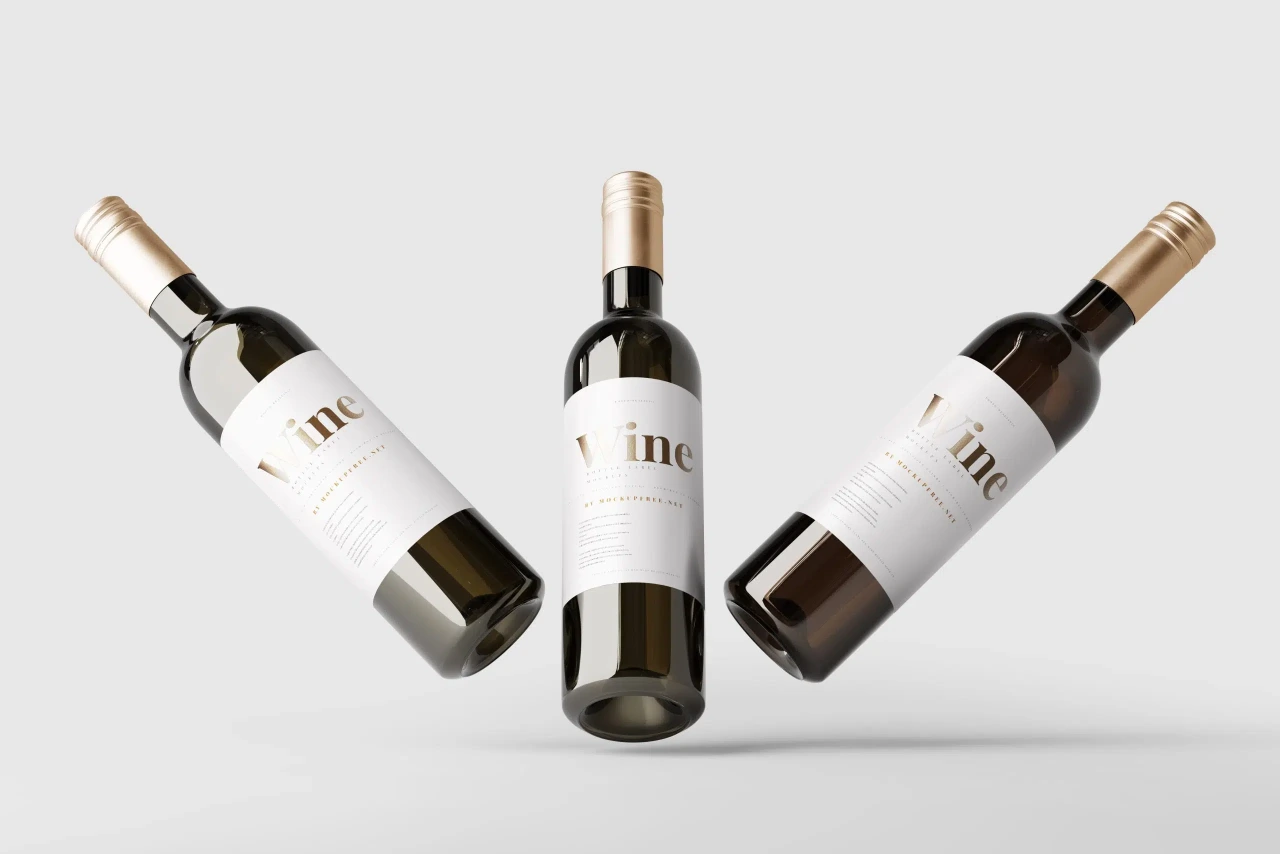
1. Wine Bottle Mockup in 3 Clear Views
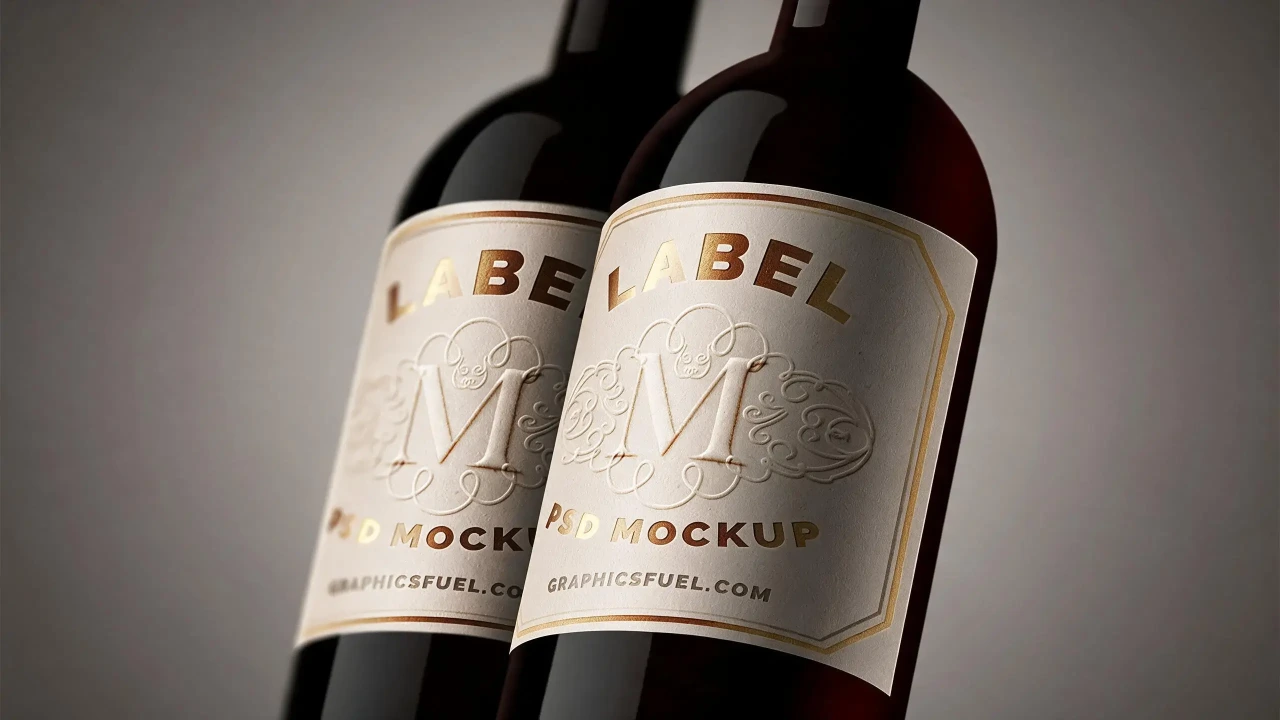
2. Close-Up View of Wine Bottle Label Mockup
3. Wine Bottle PSD Mockup
Bottle and box mockups
Useful when you need to show the full retail experience, not just the bottle alone.
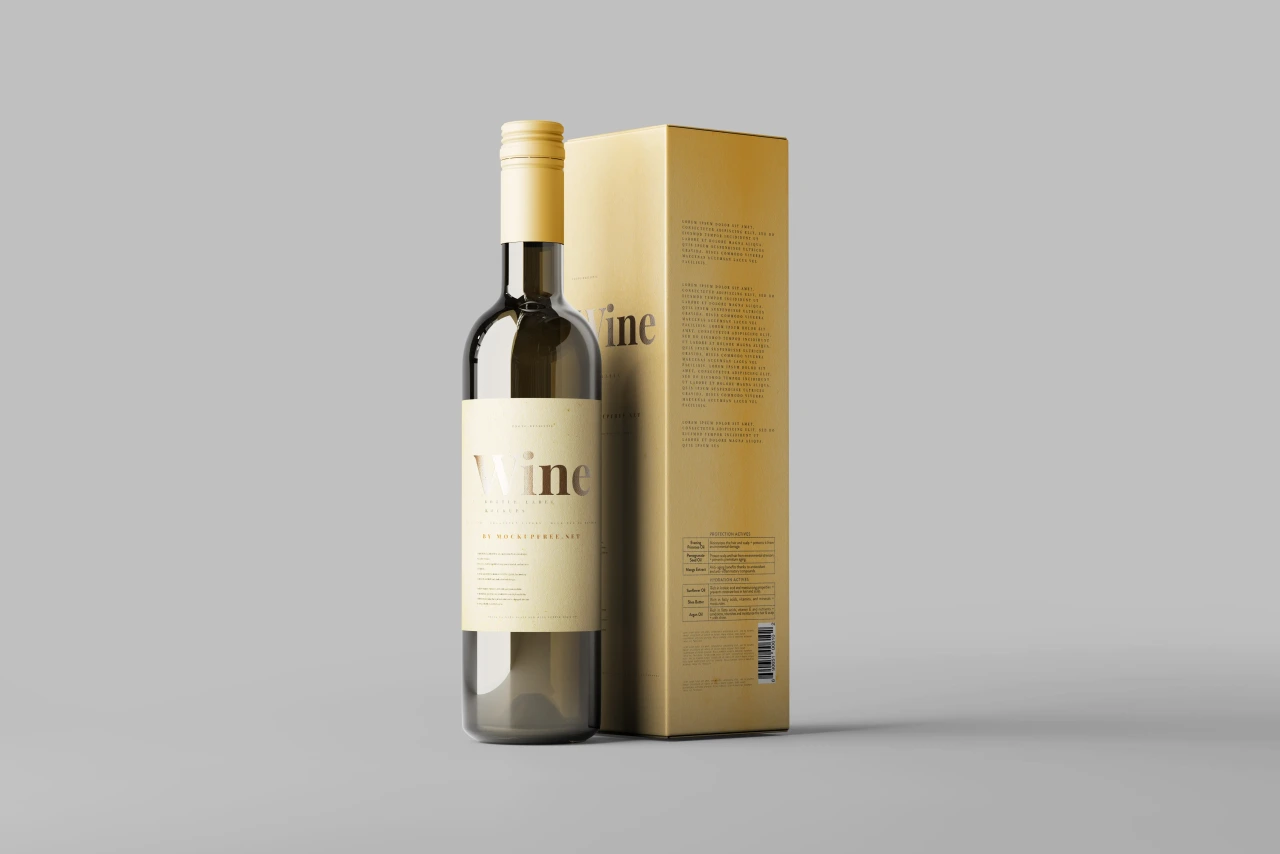
4. Wine Bottle and Box Mockup
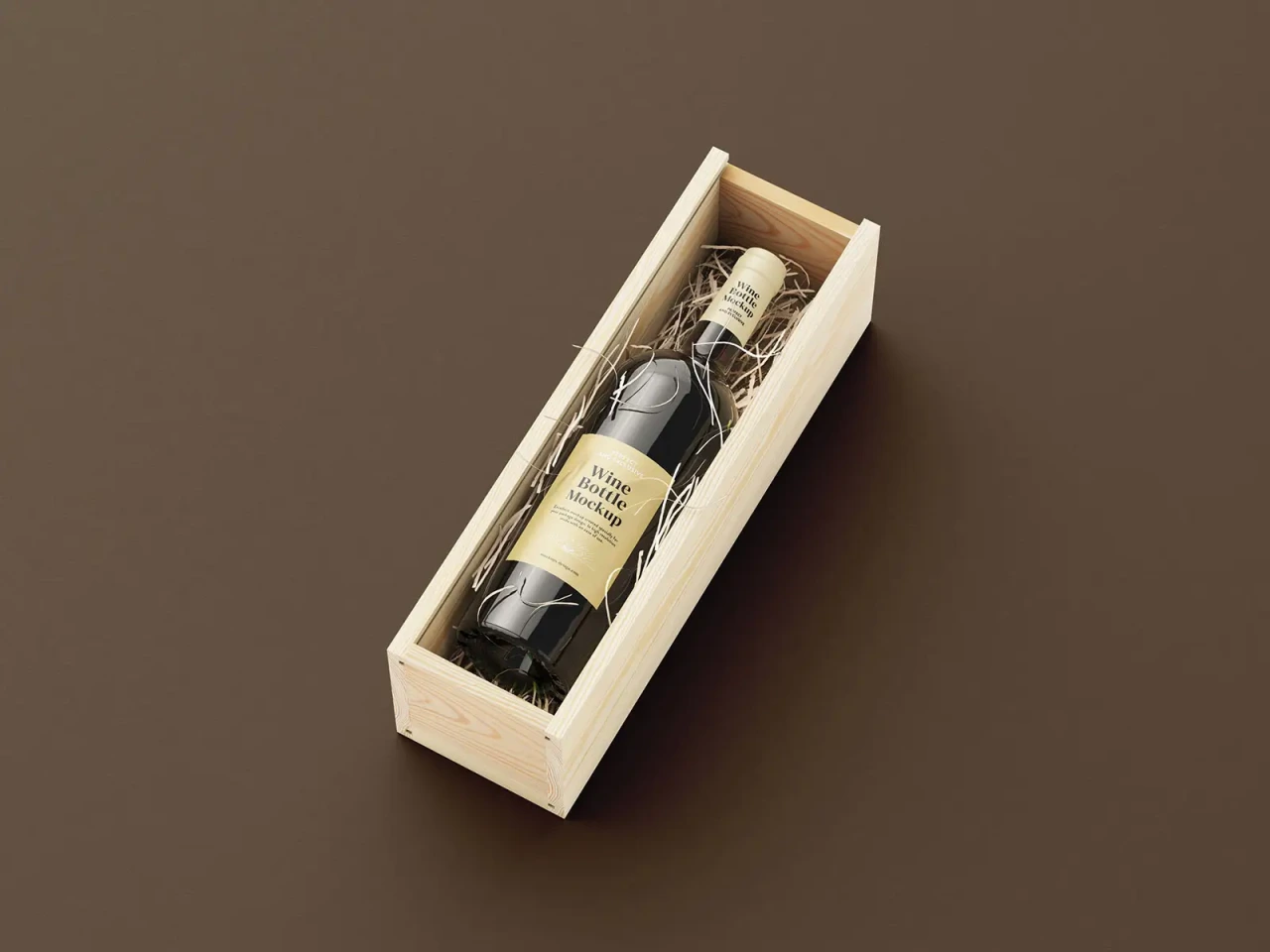
5. Opened Wine Box Mockup
Dark and frosted glass mockups
Good for bold reds or a moodier, dramatic brand look.
6. Free Wine Bottle with Label Mockup: Studio Glass Pairing
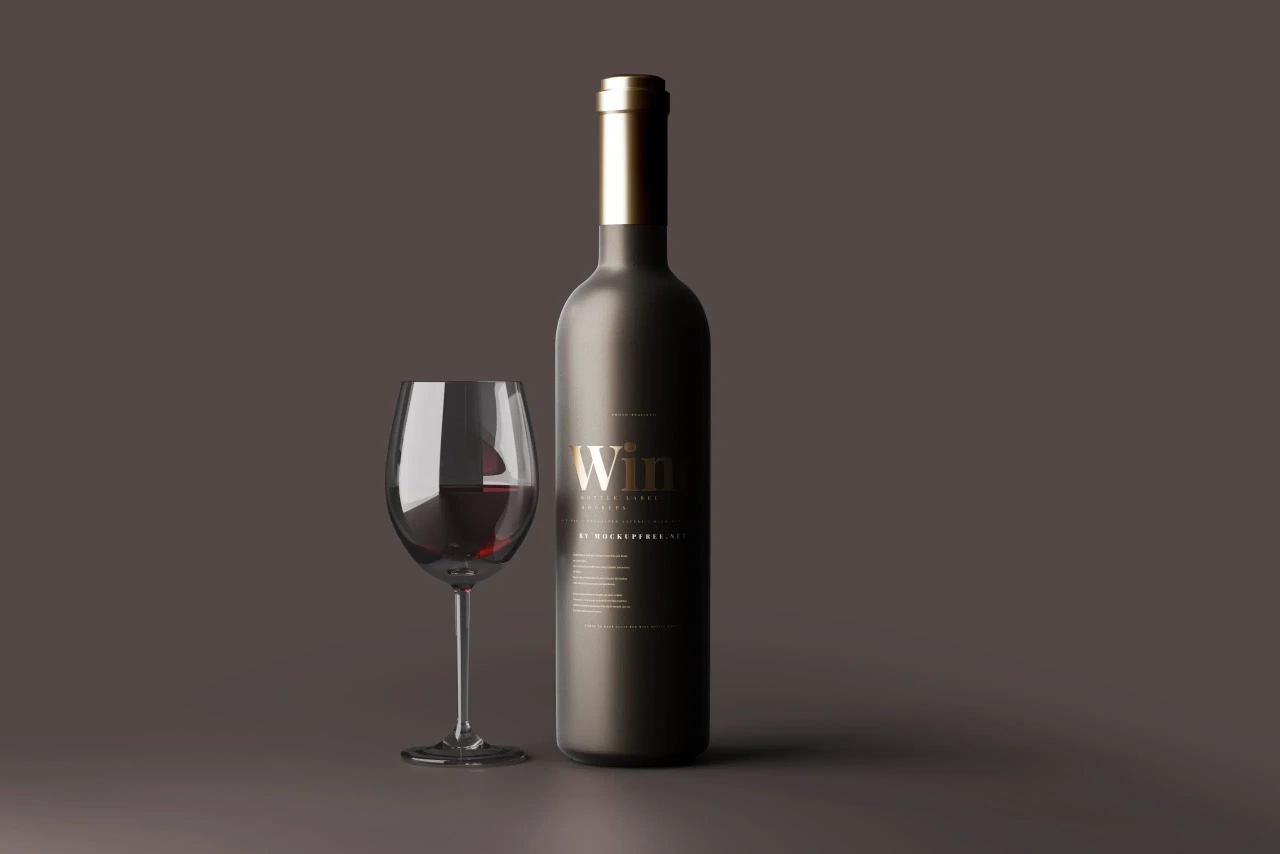
7. Red Wine Bottle Scene Mockup
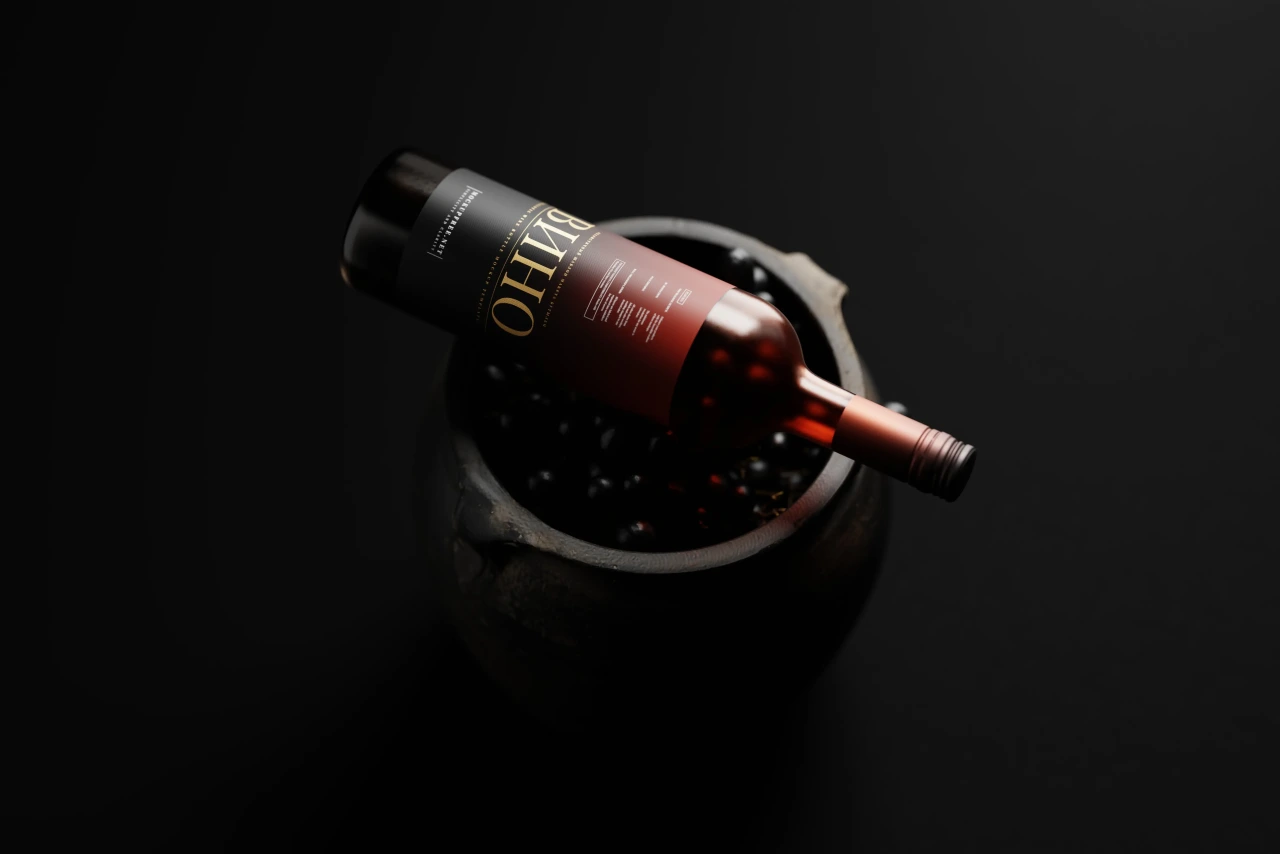
8. Free White Wine in Dark Bottle Mockup
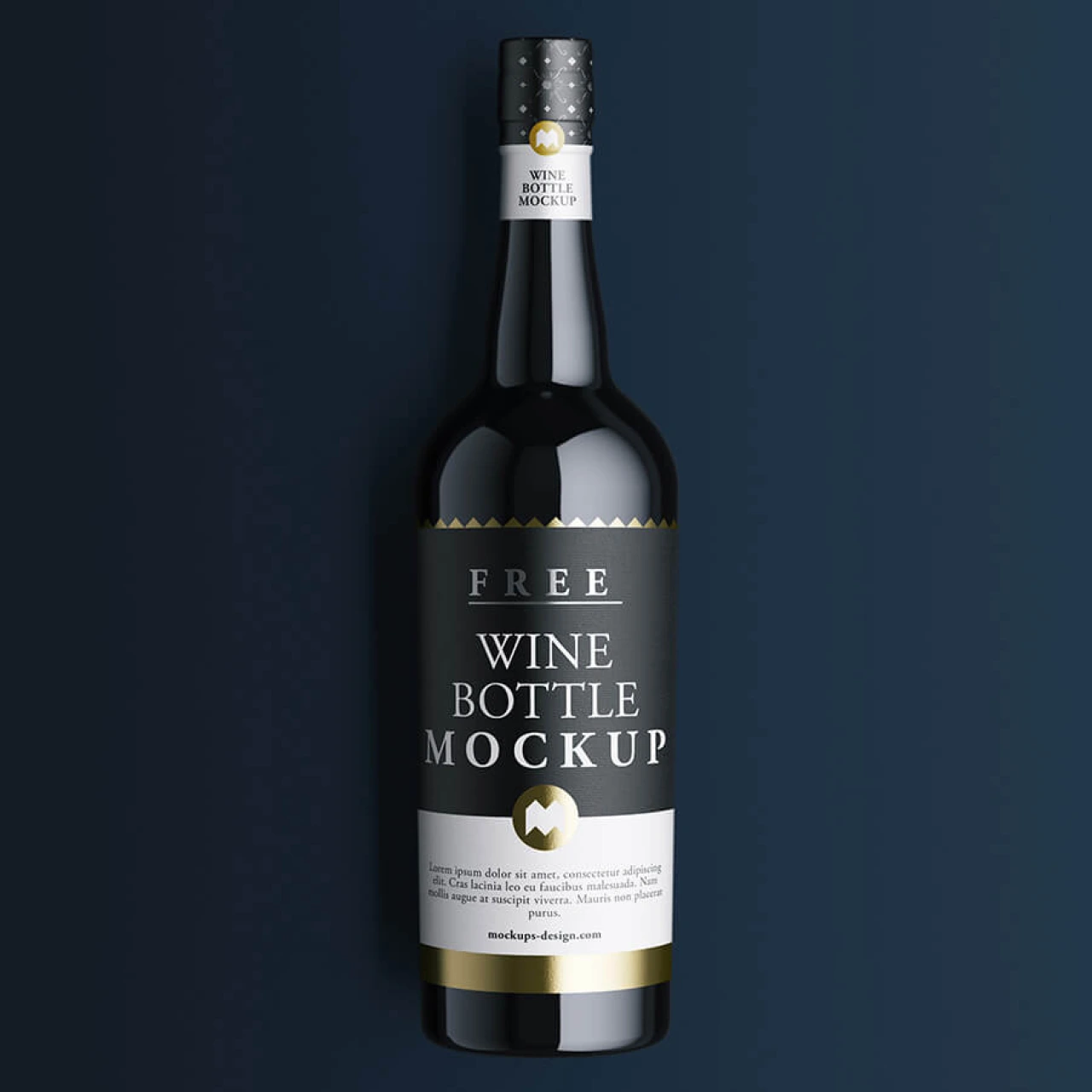
9. Screw Cap Wine Bottle Mockup
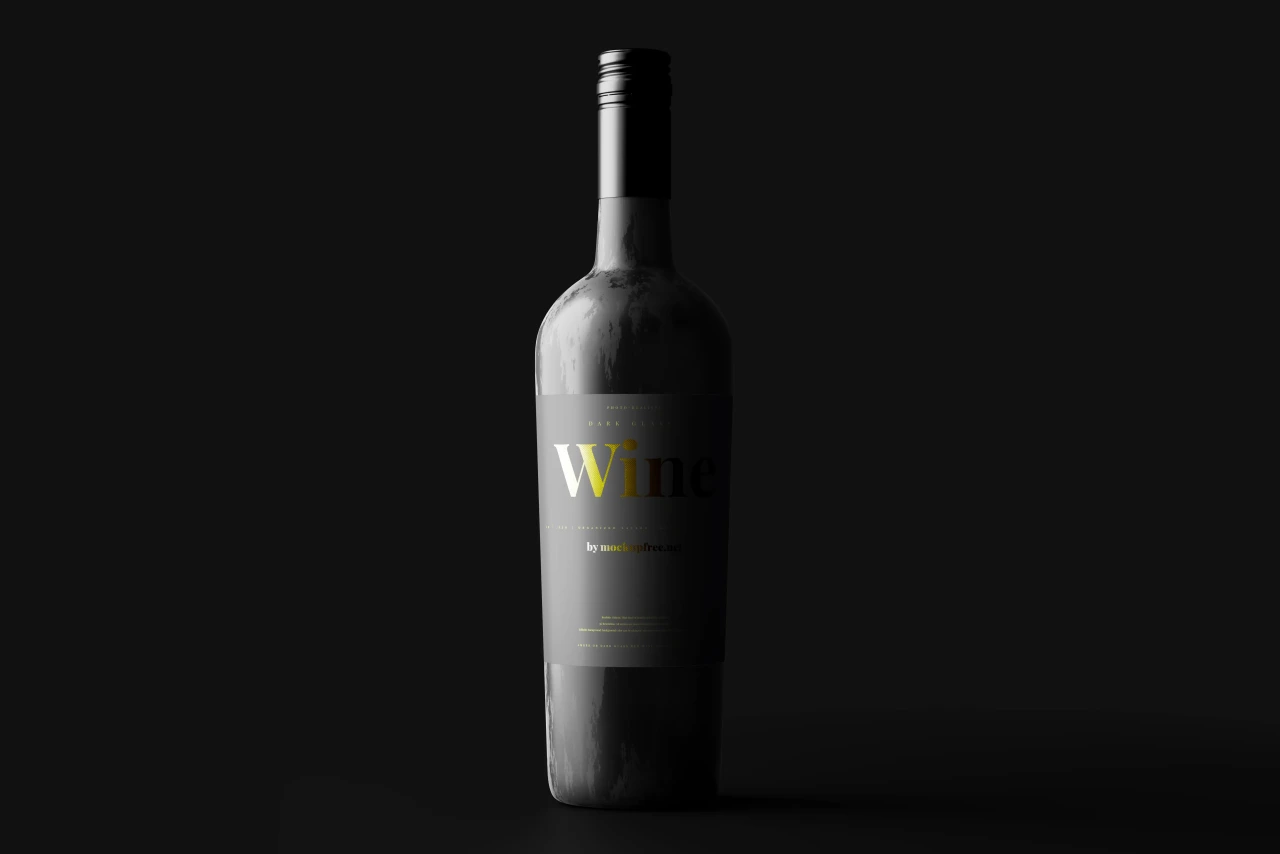
Lifestyle and prop scenes
These place the bottle in context, working well for social posts, menus, or campaign imagery rather than plain product shots.
10. Bottle with Wine Glass Mockup
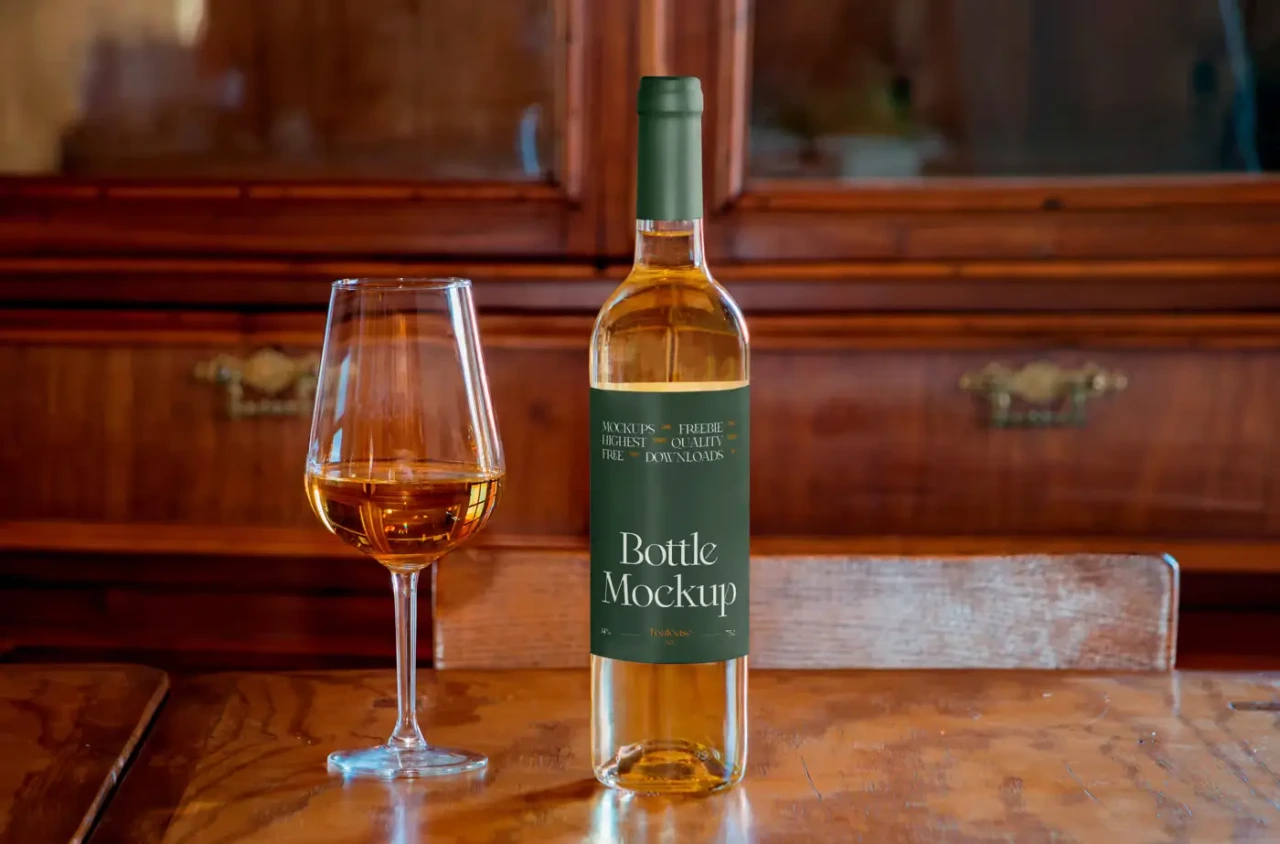
11. Wine Bottle with a Glass Mockup
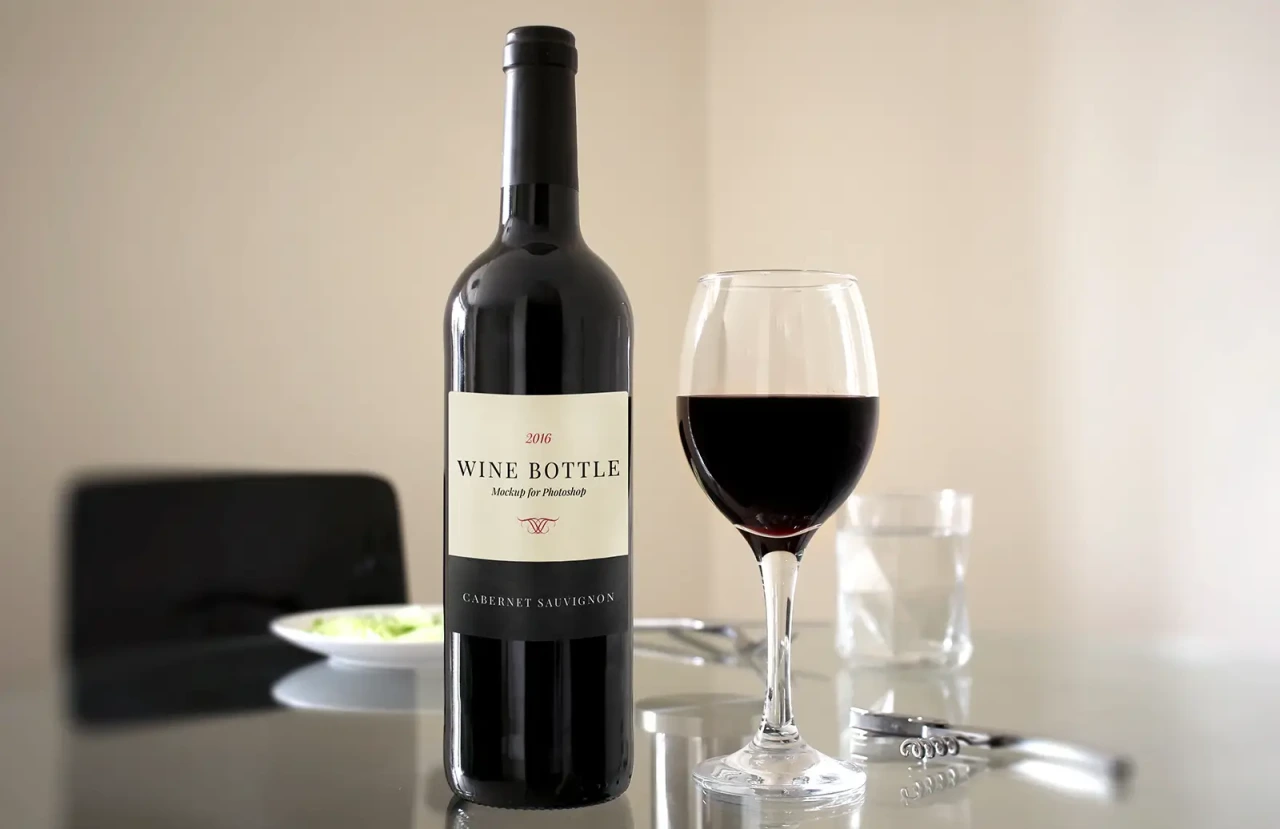
12. Free Red Wine Bottle on a Rock Mockup
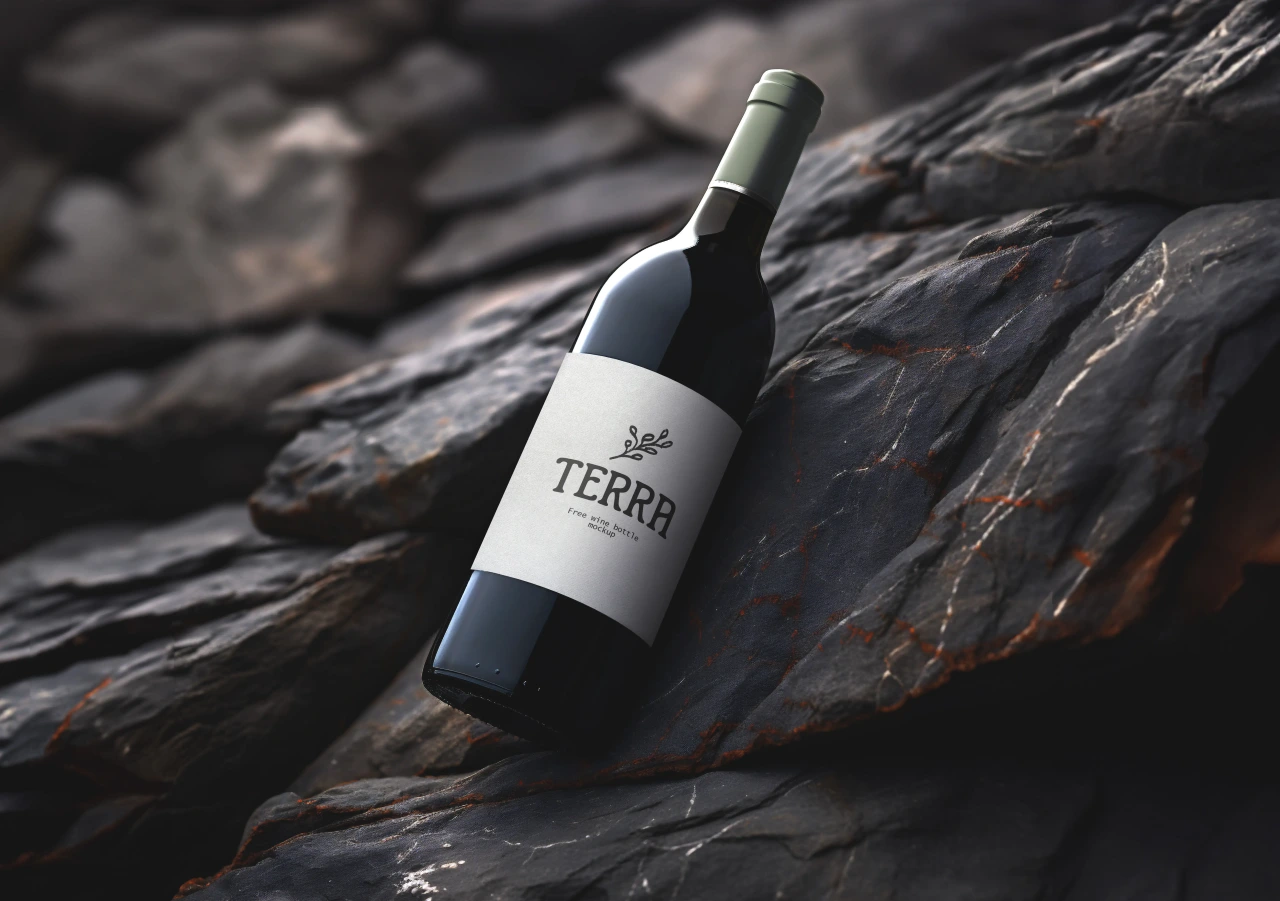
13. Wine Bottle with Oversized Glass Mockup
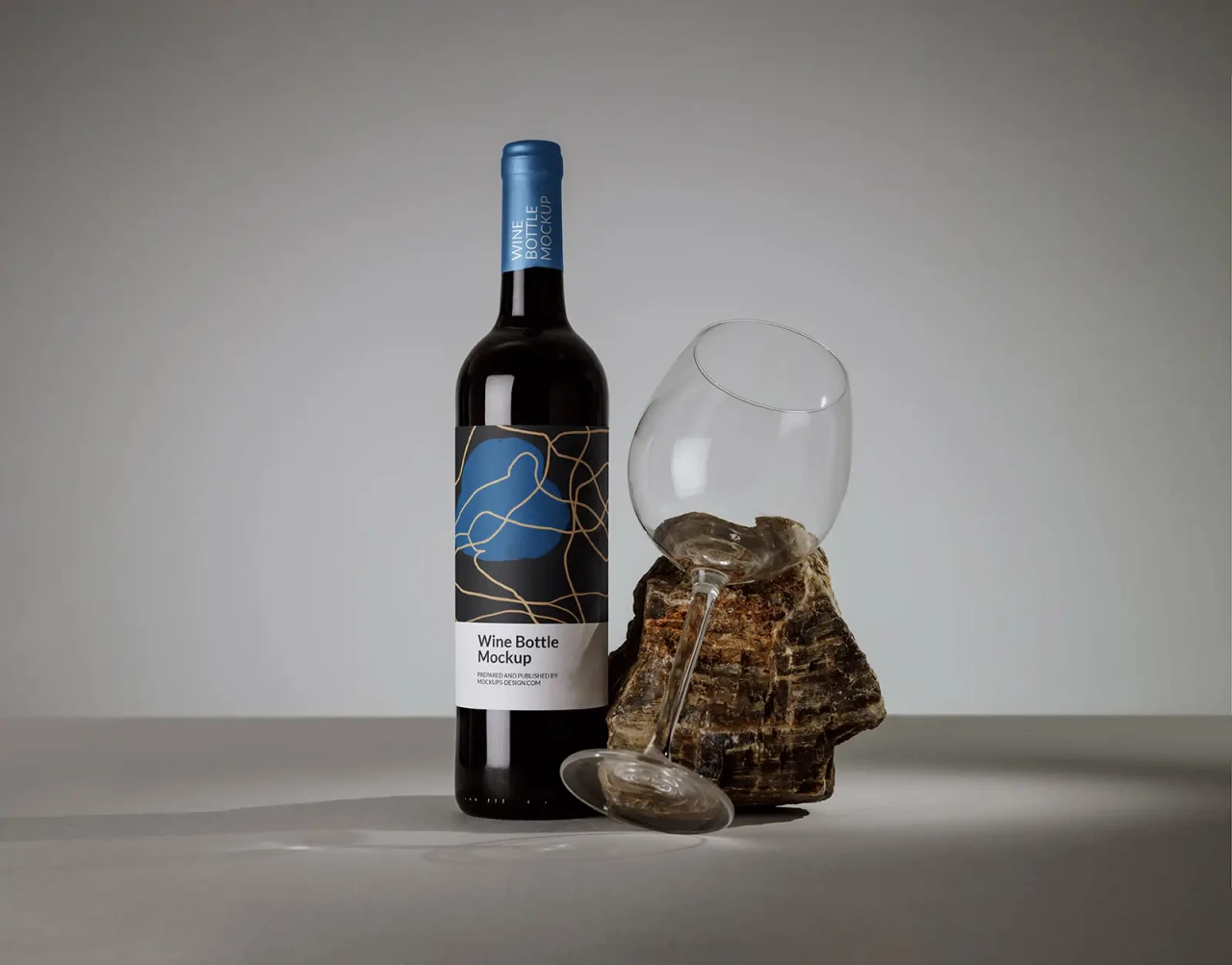
14. Free Premium Mockups Set: Wine Bottle on the Rock
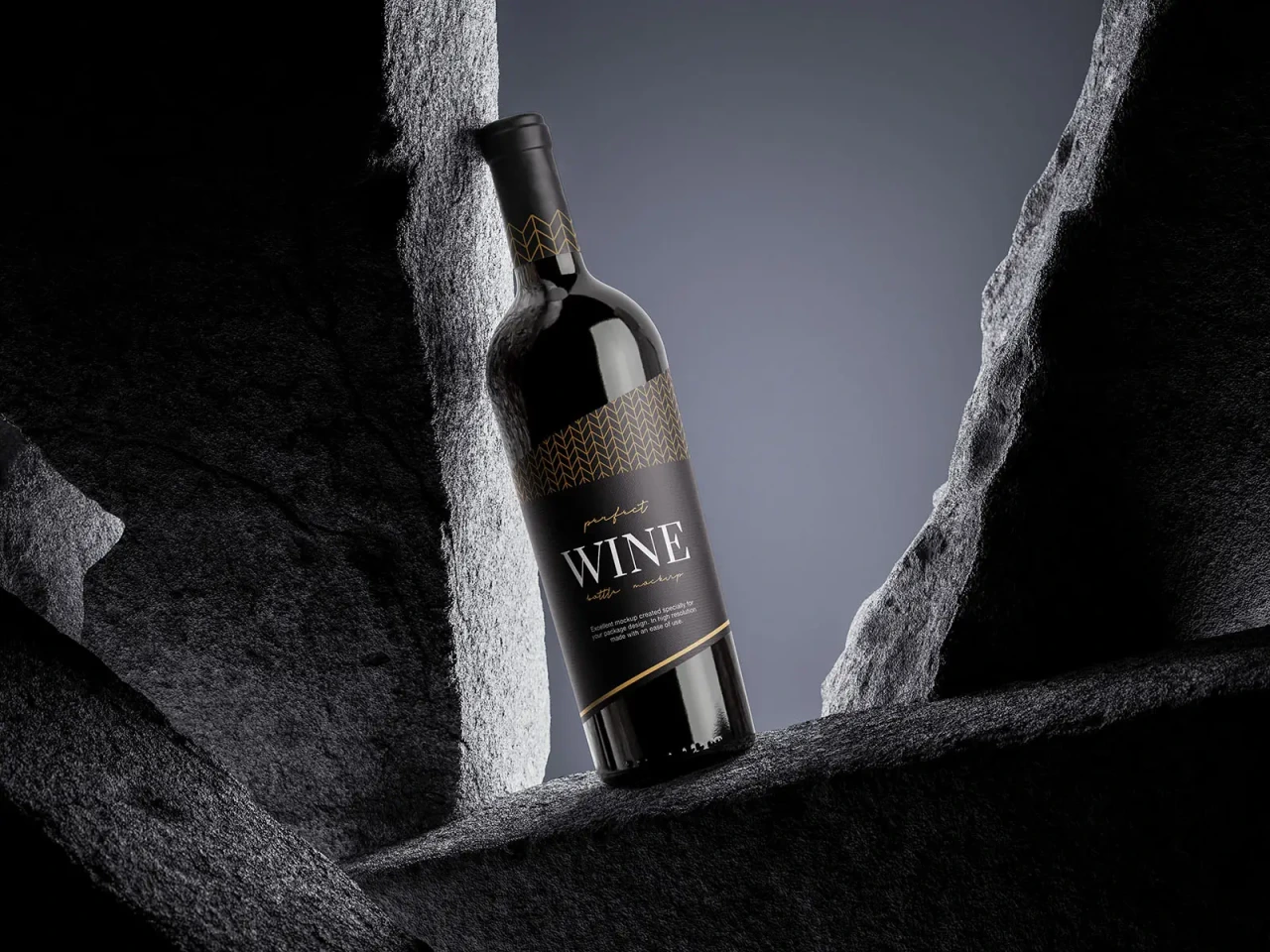
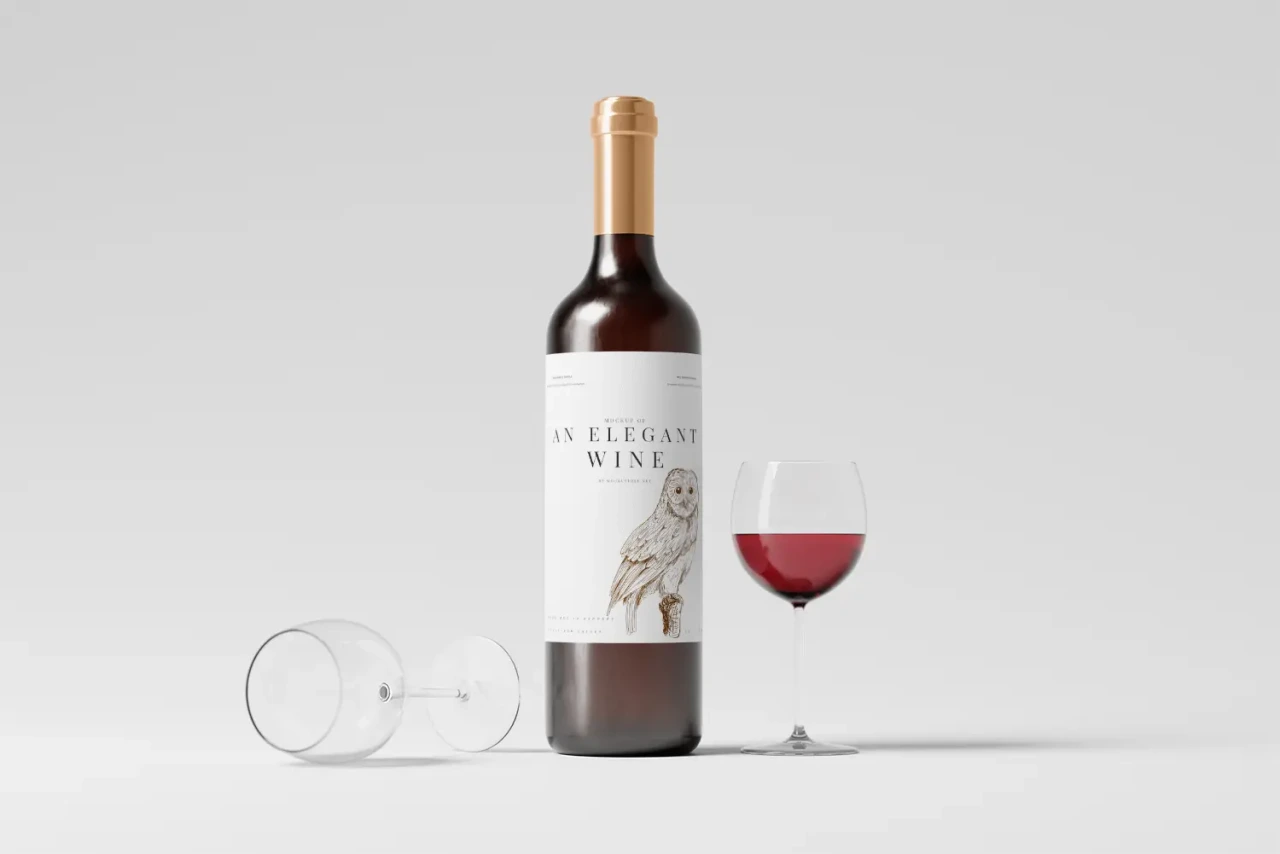
15. Elegant Wine Bottle Mockup
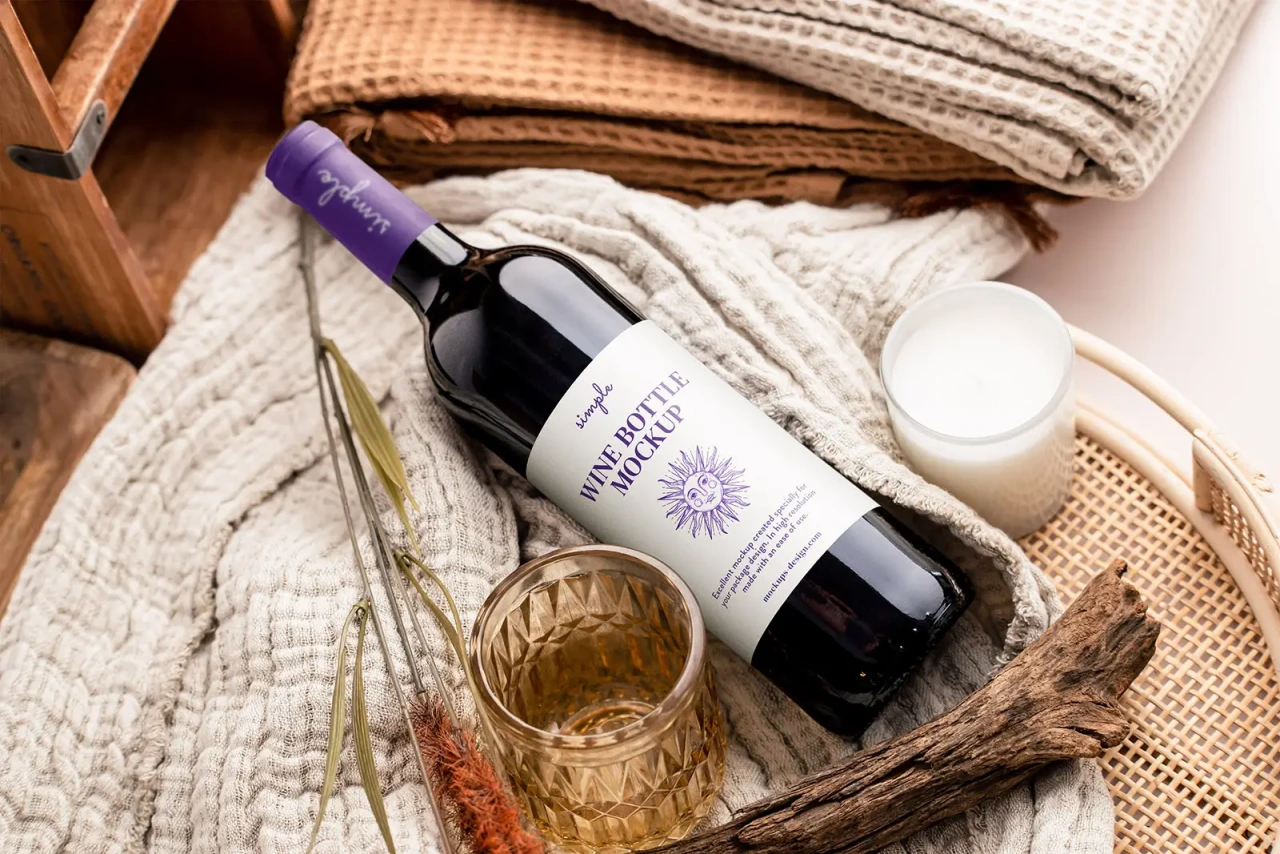
16. Wine Bottles Mockup
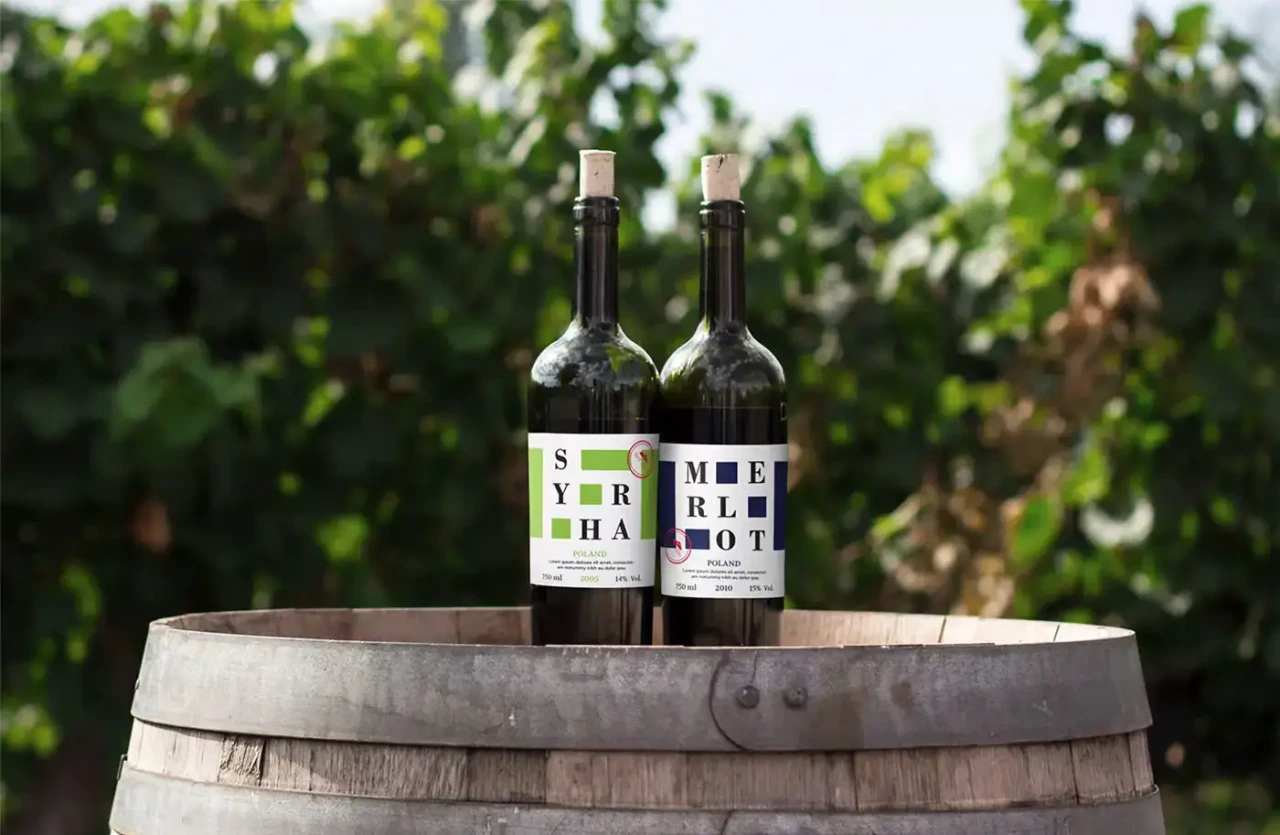
17. Wine Bottle Package and Branding Model on Kitchen Setting Mockup
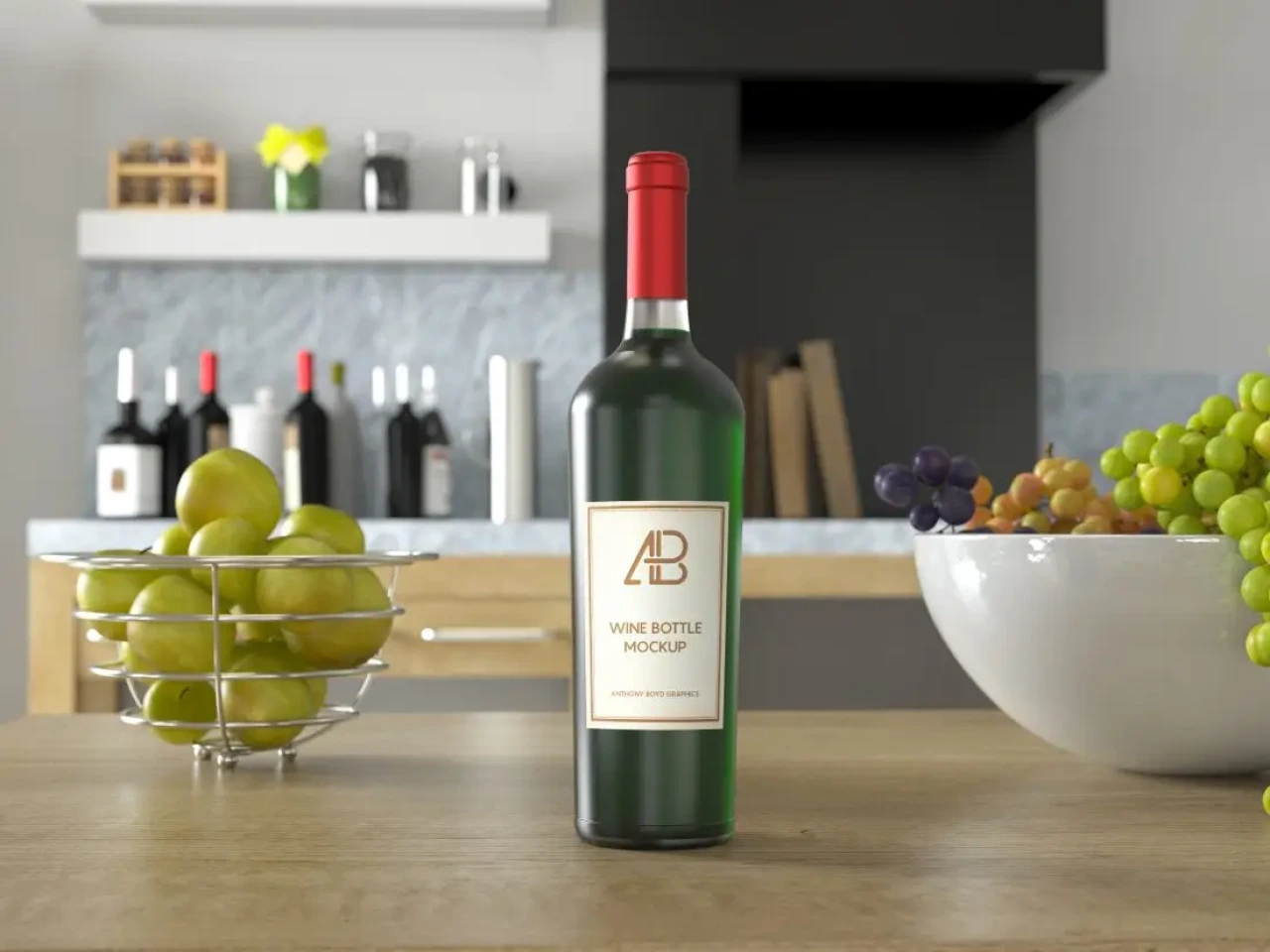
18. Wine Bottle with Label Mockup: Outdoor Glass Pairing
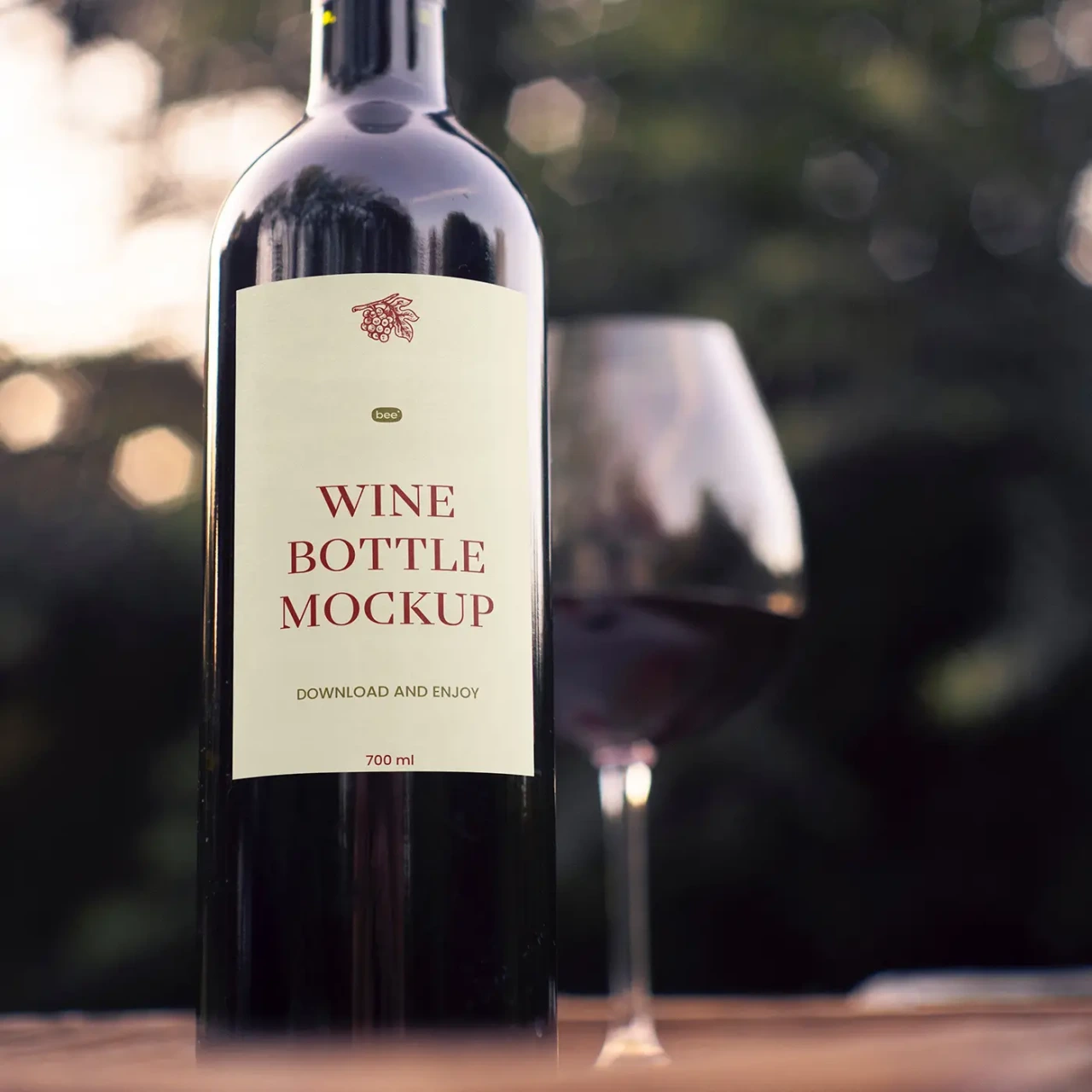
19. Wine Mockup with Label: Rosé Bottle with Palm Leaves
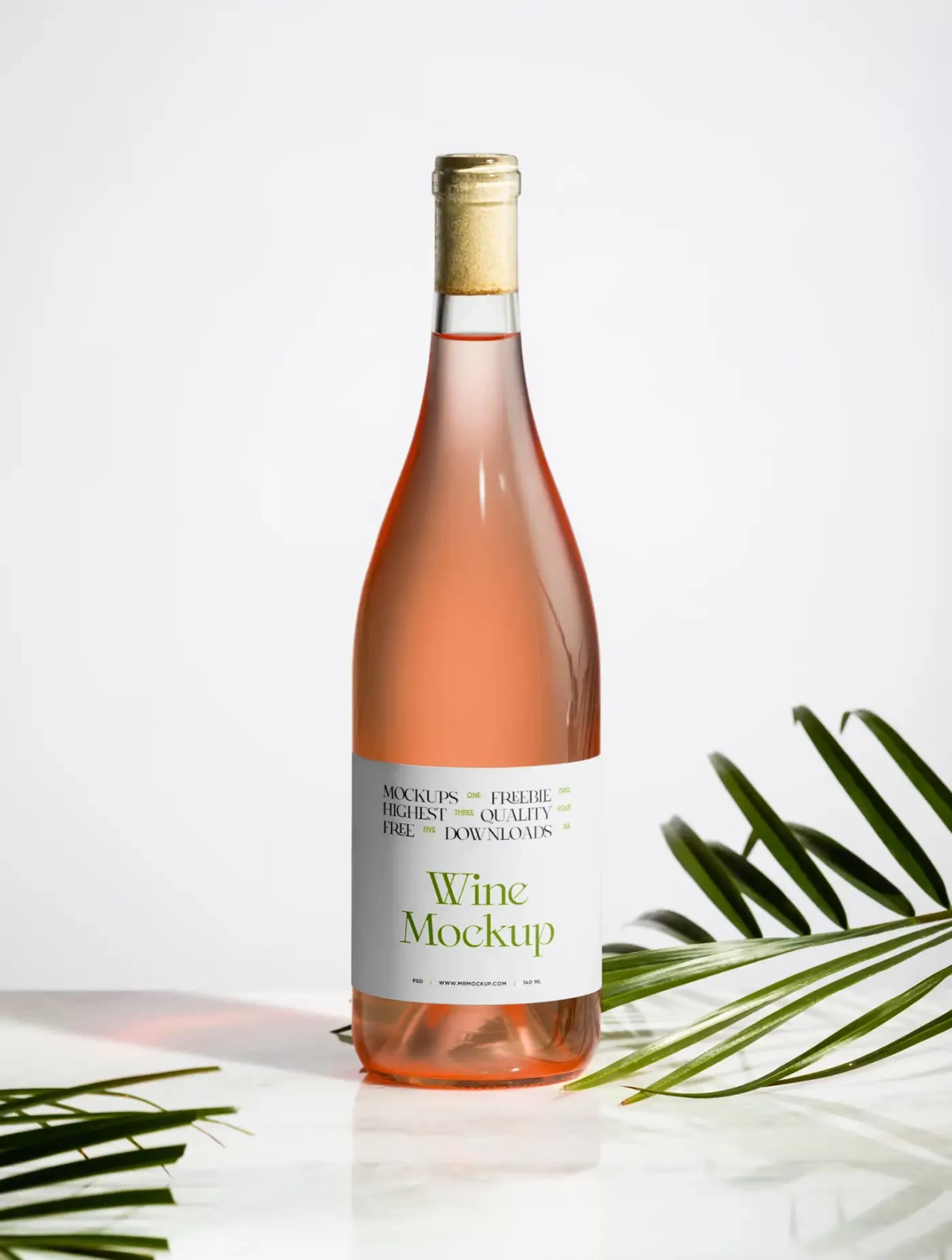
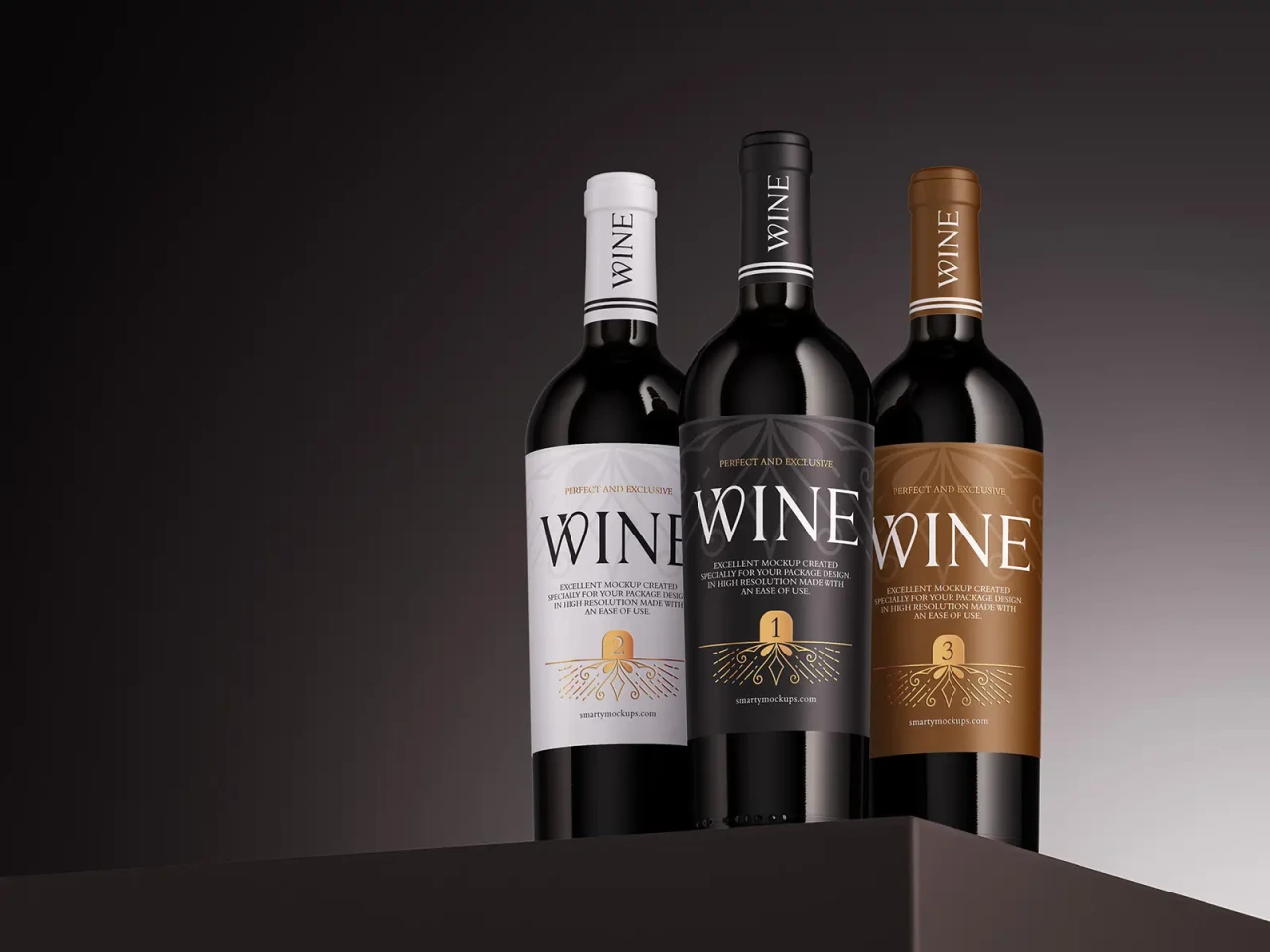
20. Wine Bottle Mockup: Three Colour Variants
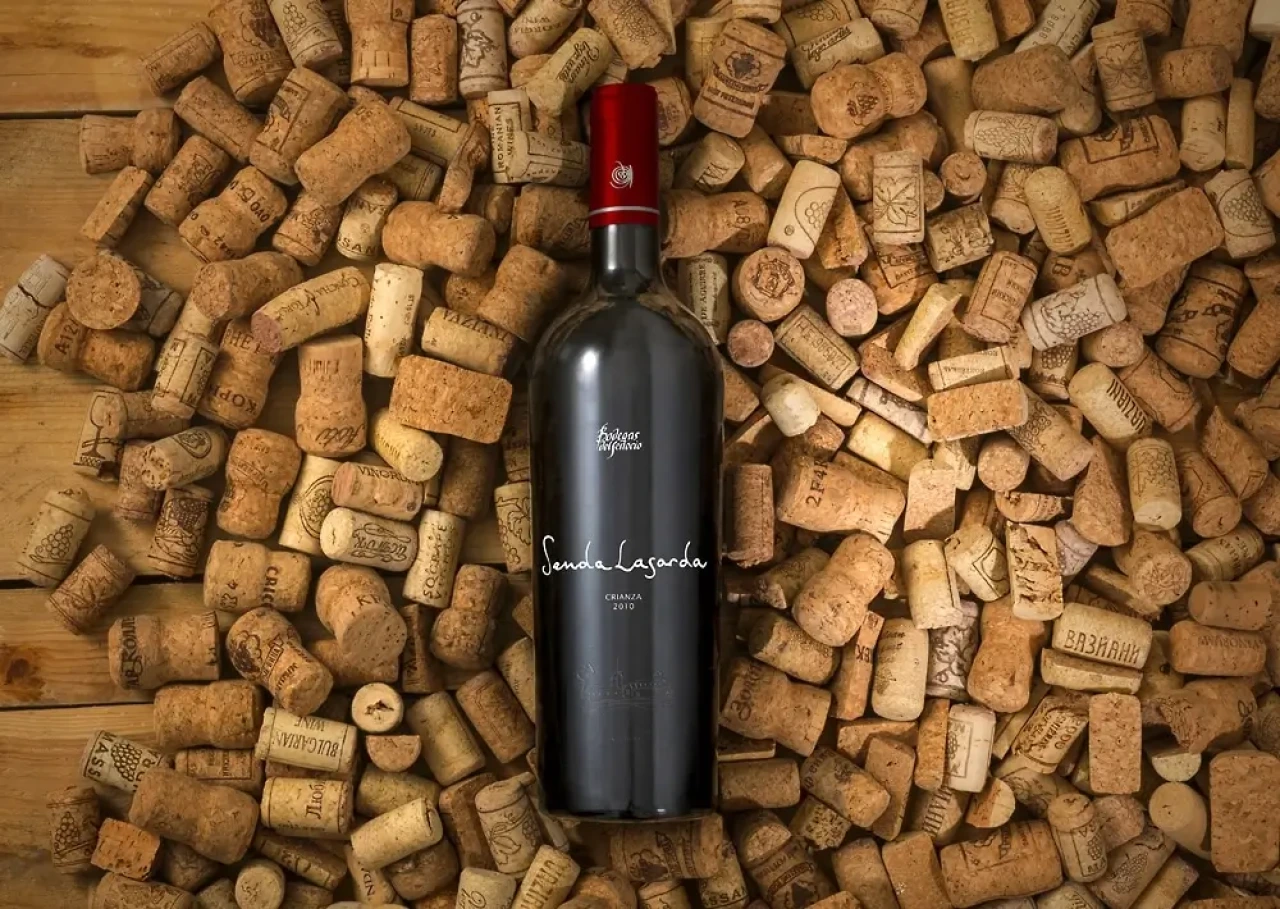
21. Wine Bottle and Corks Mockup
Simple, minimal and multi-bottle sets
The most flexible category, useful for quick label proofing or previewing several designs at once.
22. Wine Bottle Mockup Set

23. Simple White Wine Bottle Mockup
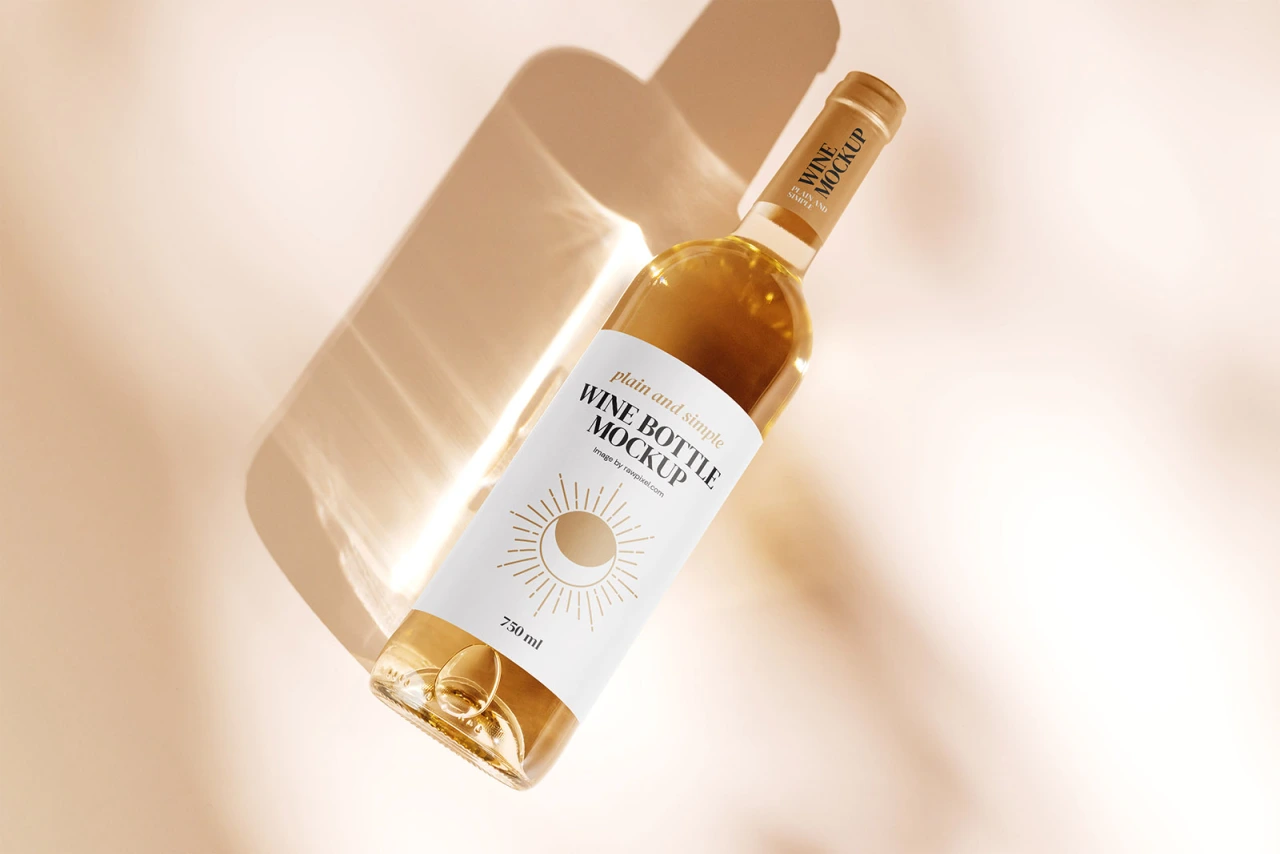
24. Free Minimal Wine Bottle Mockup
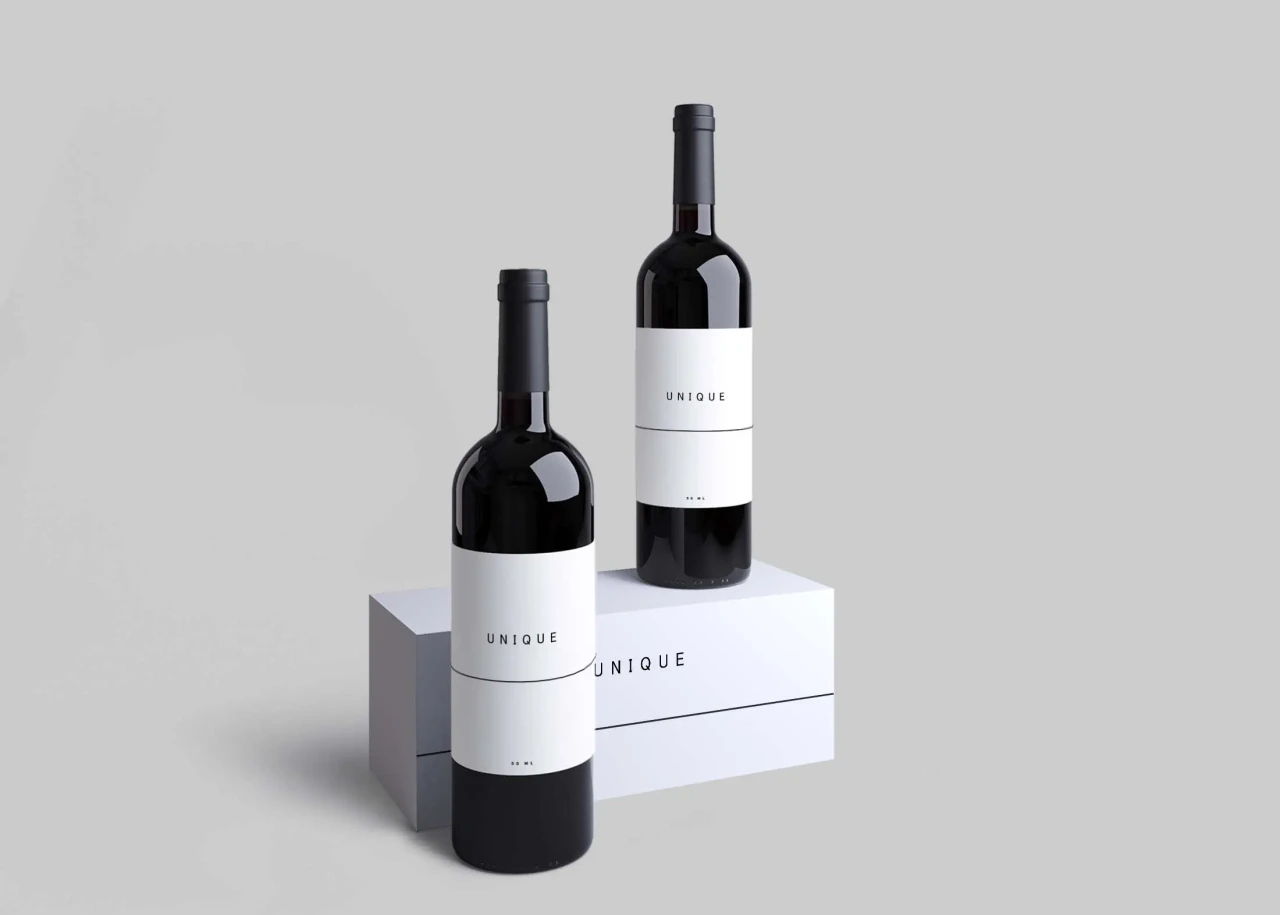
25. Free Wine Bottle Mockups Set
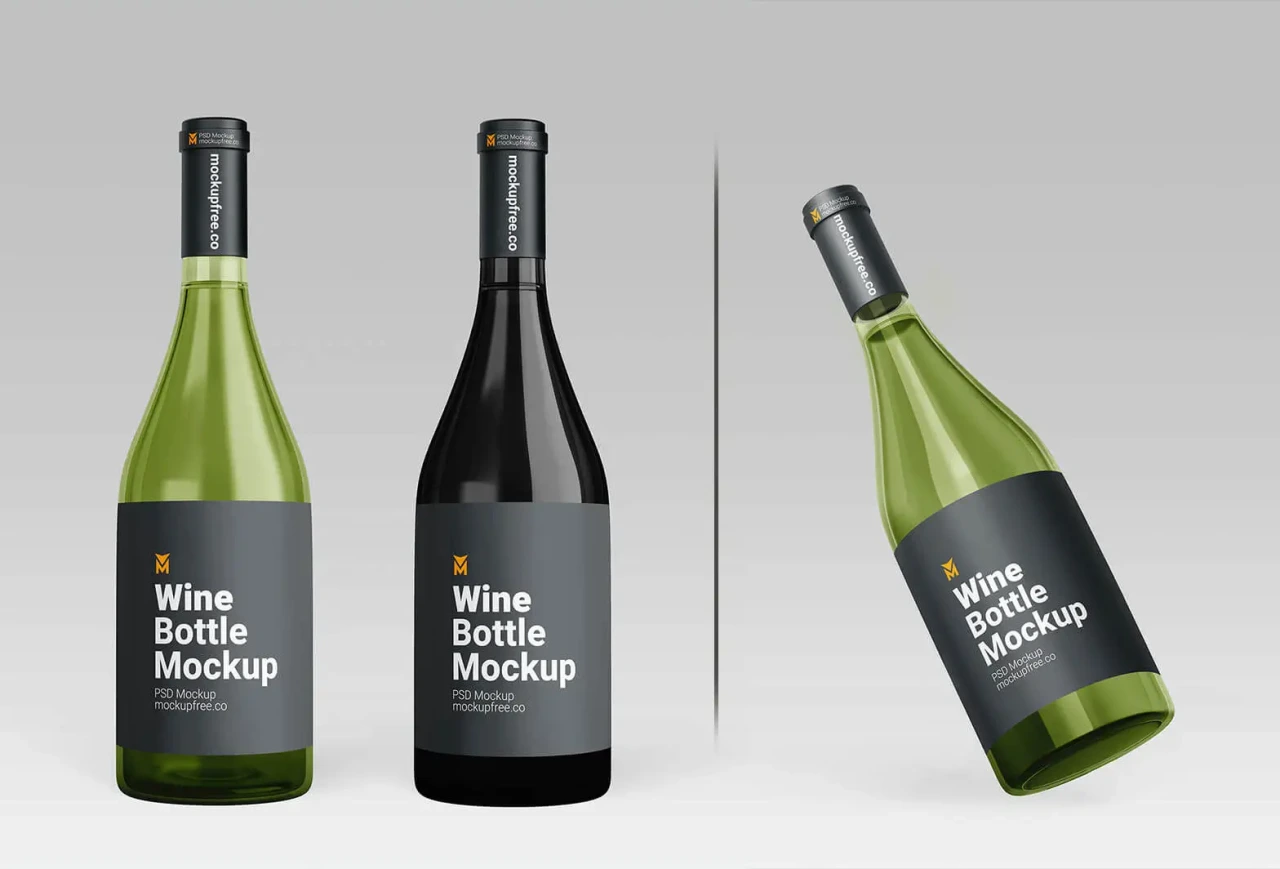
26. Free Wine Bottle Mockup in PSD
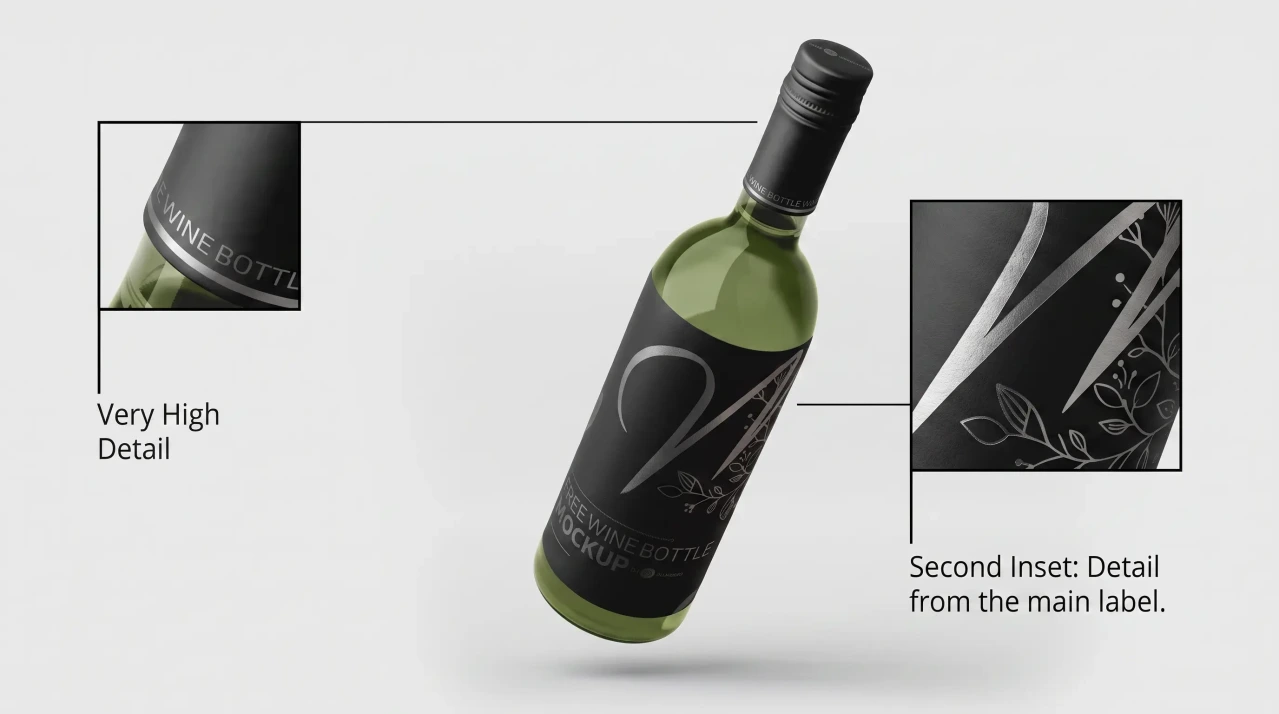
27. Free Download Wine Bottle Mockup
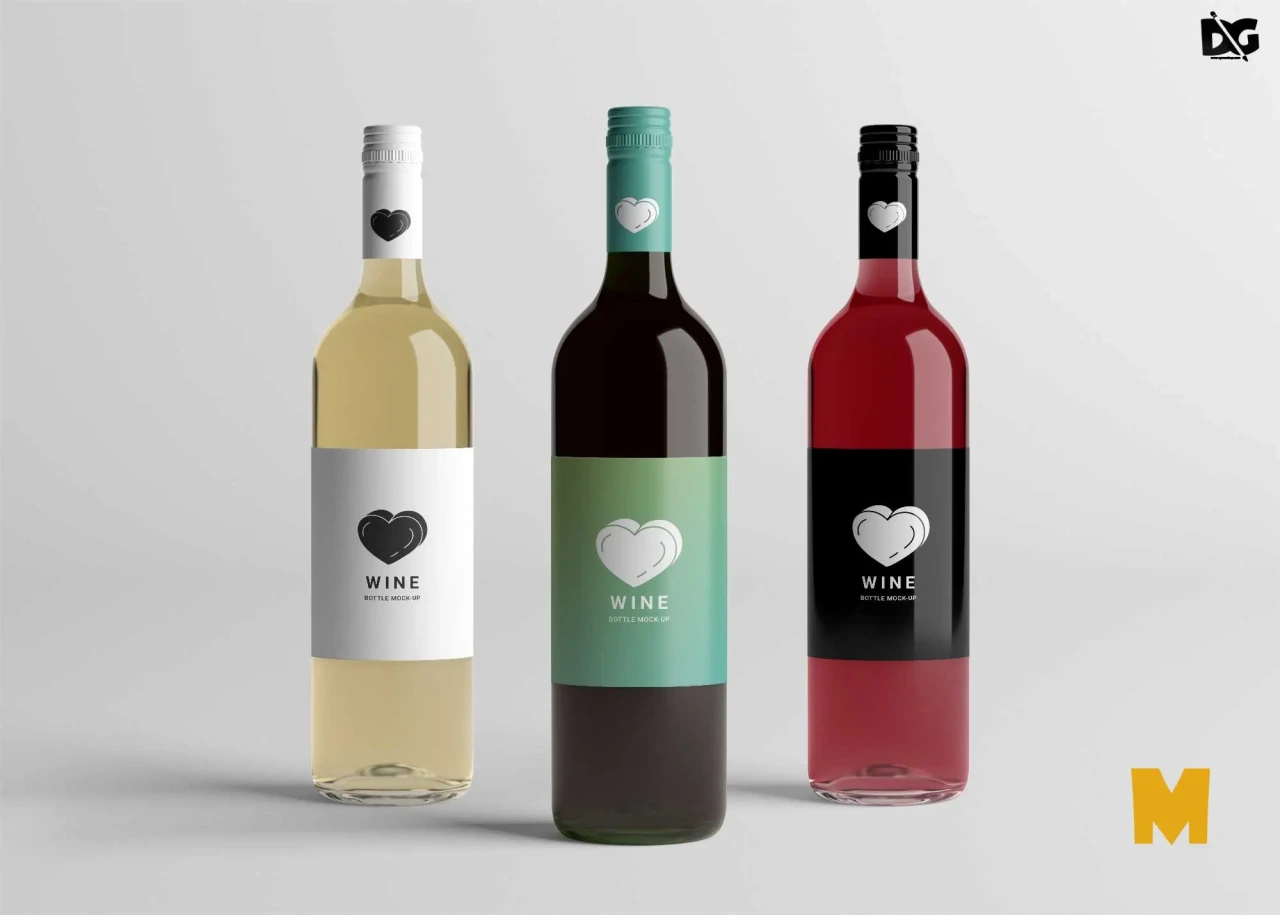
28. Free Wine Bottle Mockup
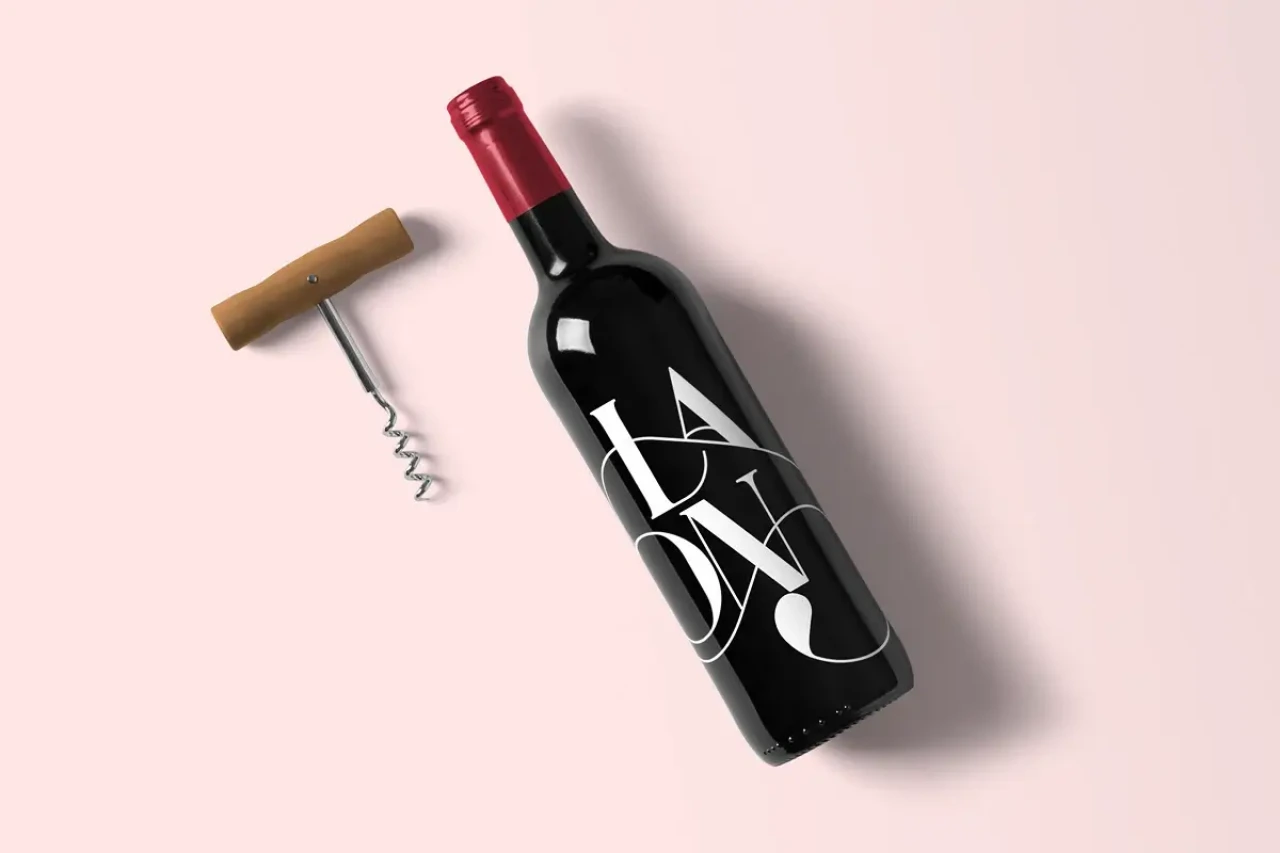
29. Free Realistic Wine Bottle Mockup
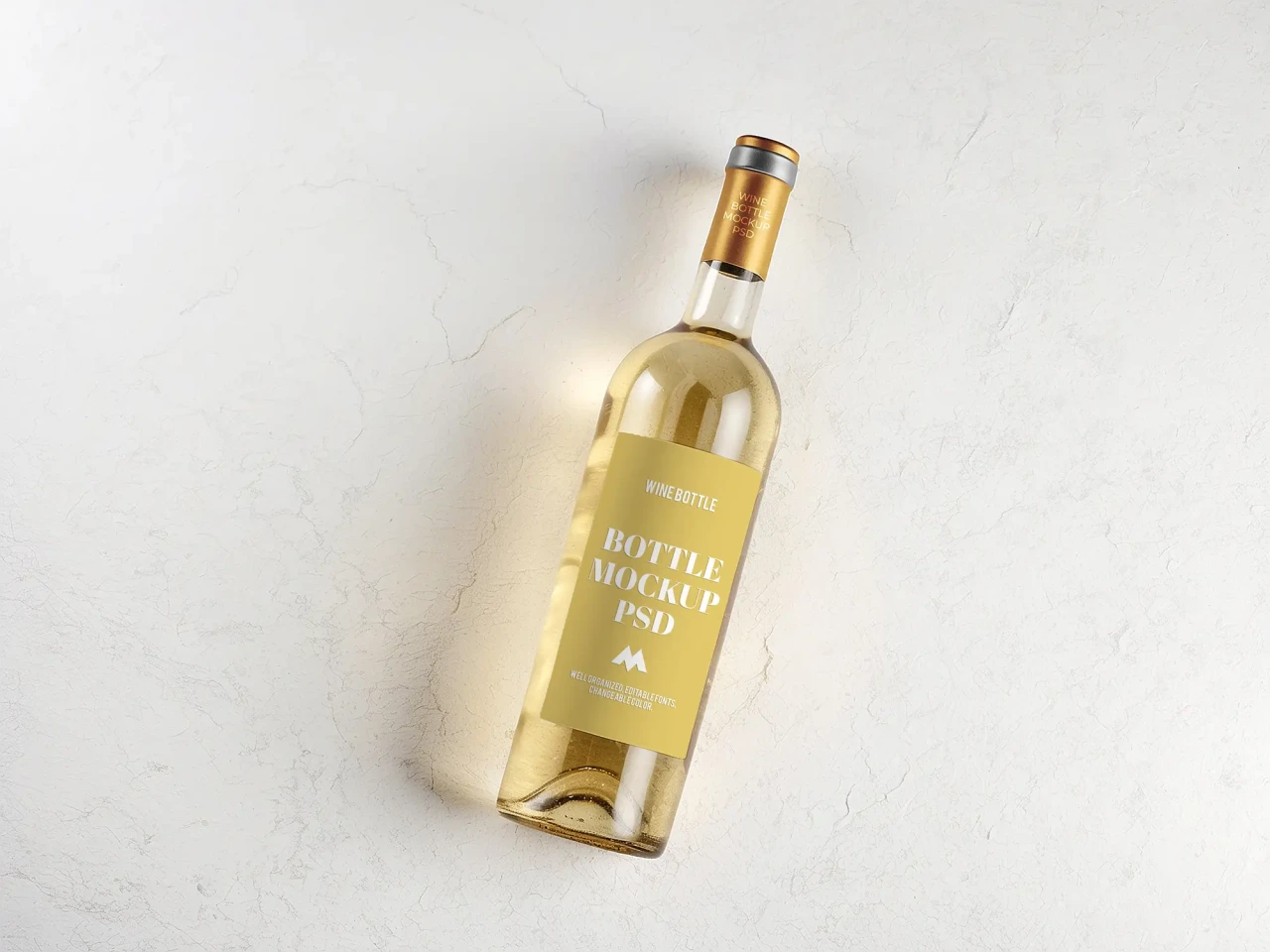
30. Wine Bottle Mockup Free Sample
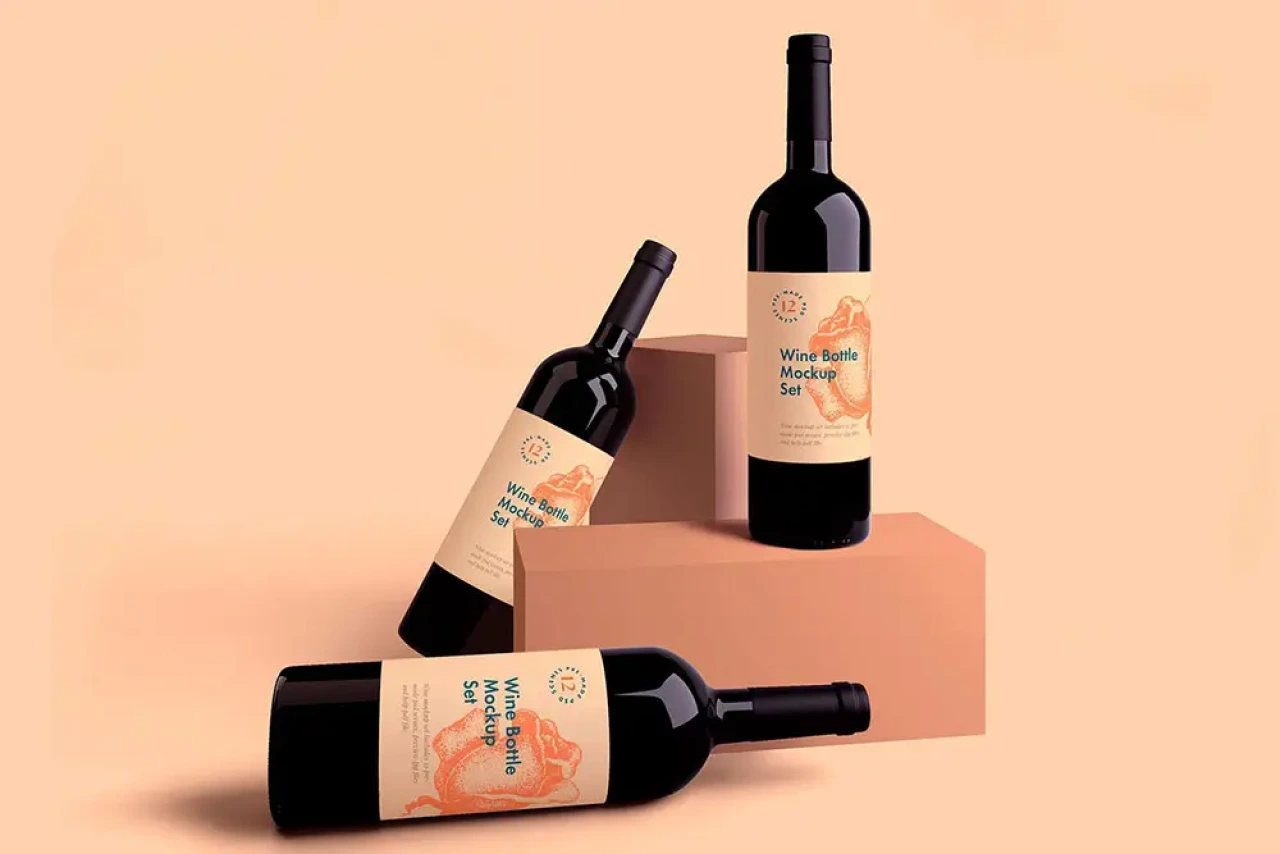
31. Free Wine Bottle Mockup
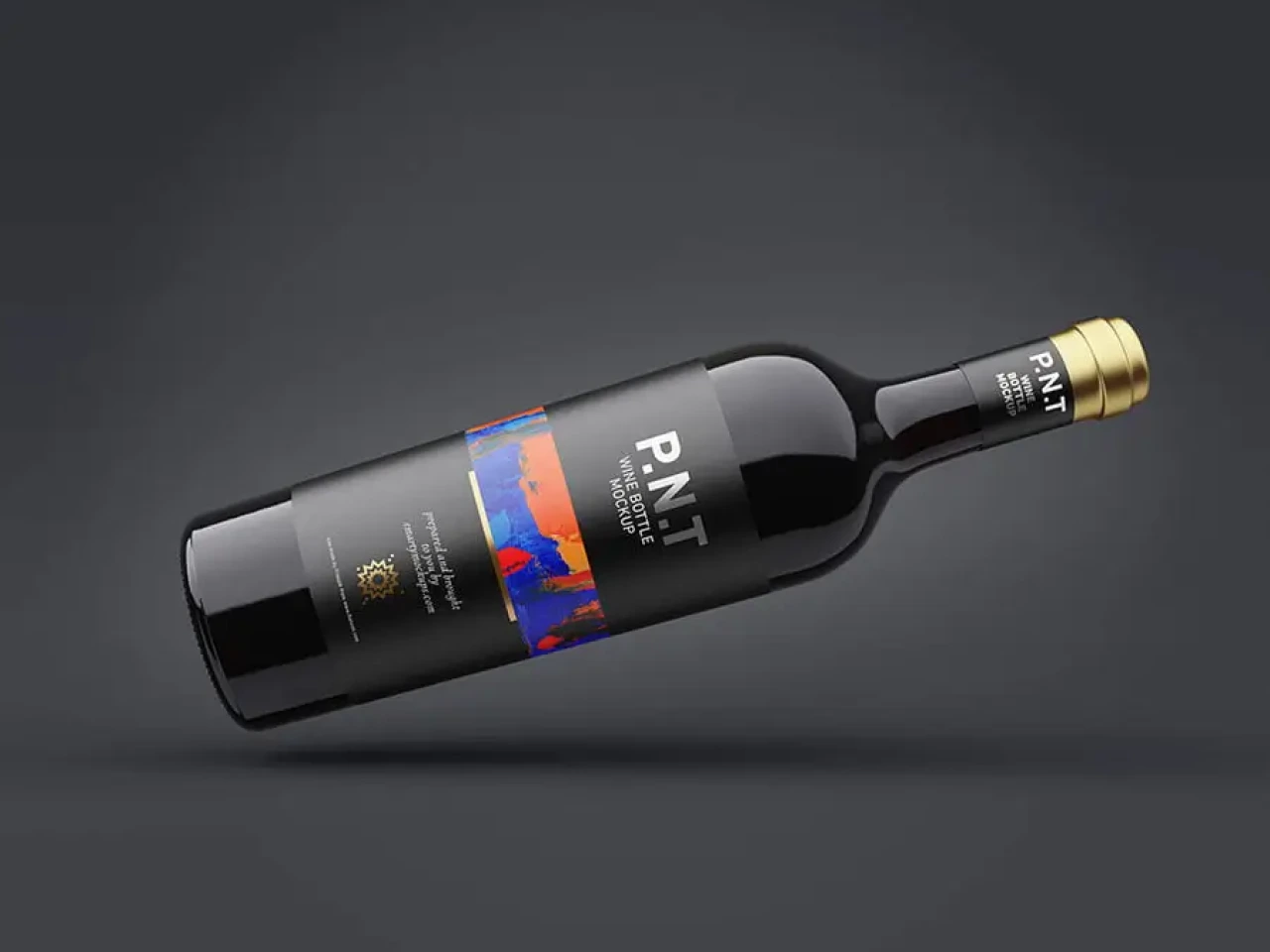
32. Realistic Wine Bottle Mockup
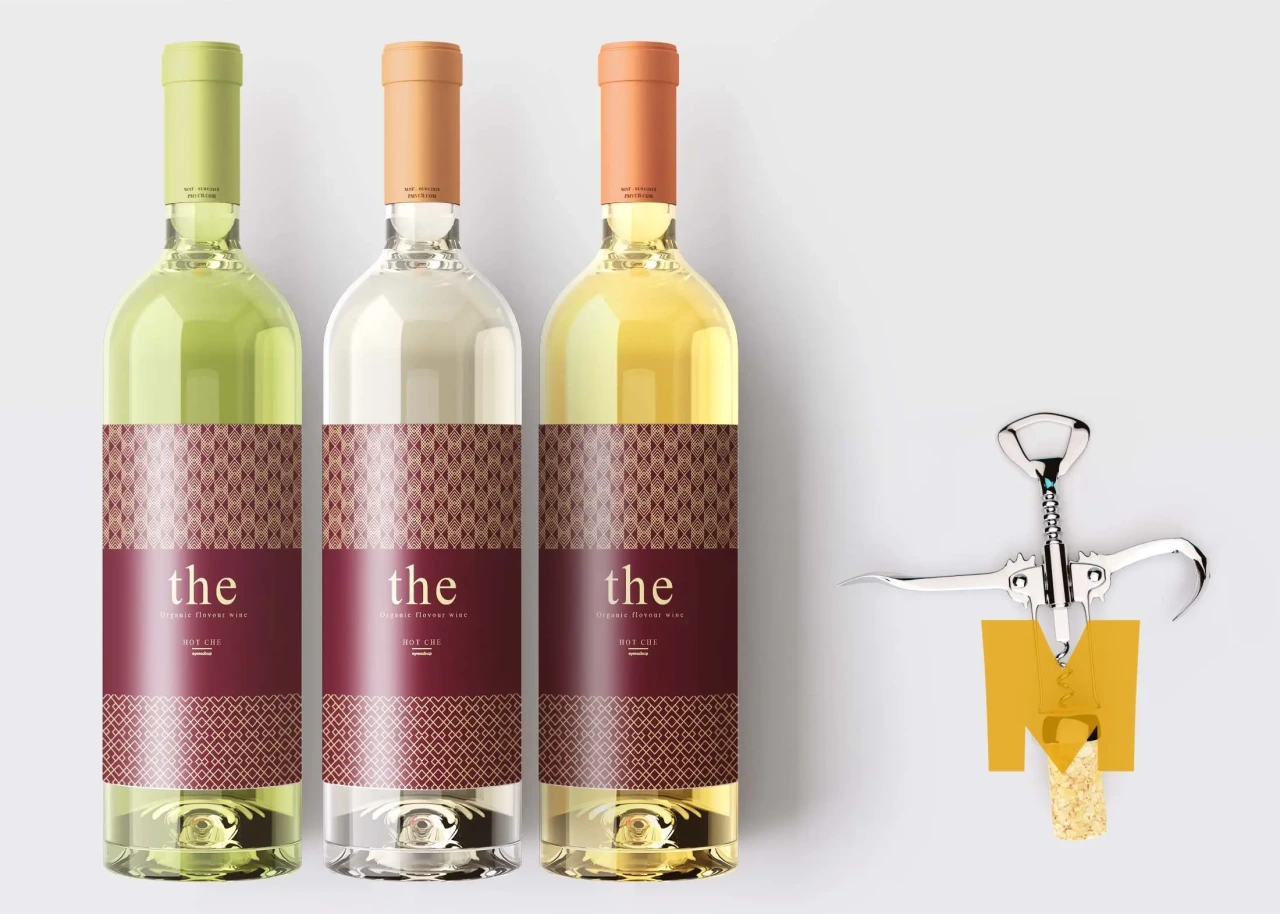
Novelty and motion mockups
33. Animated Wine Bottle Mockup
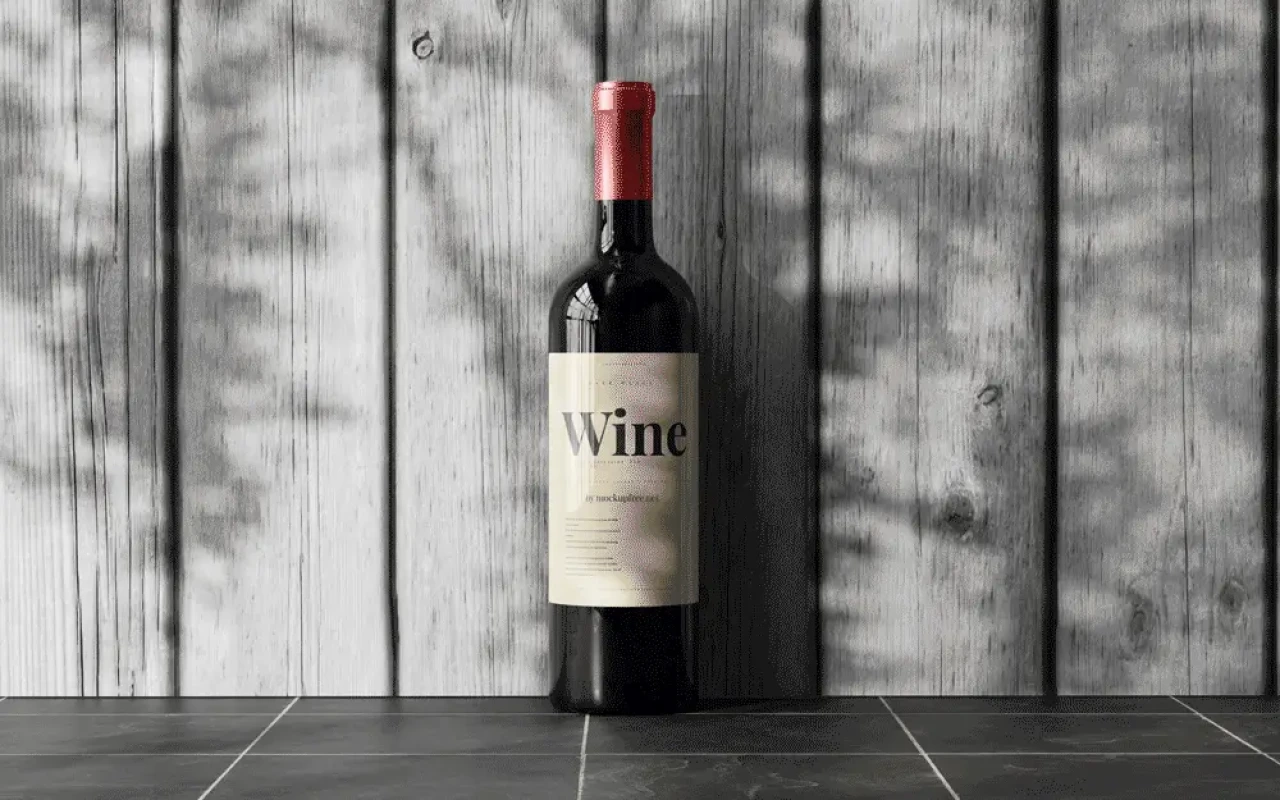
34. Free Lying Wine Bottle Mockup: Corner Wall Variant
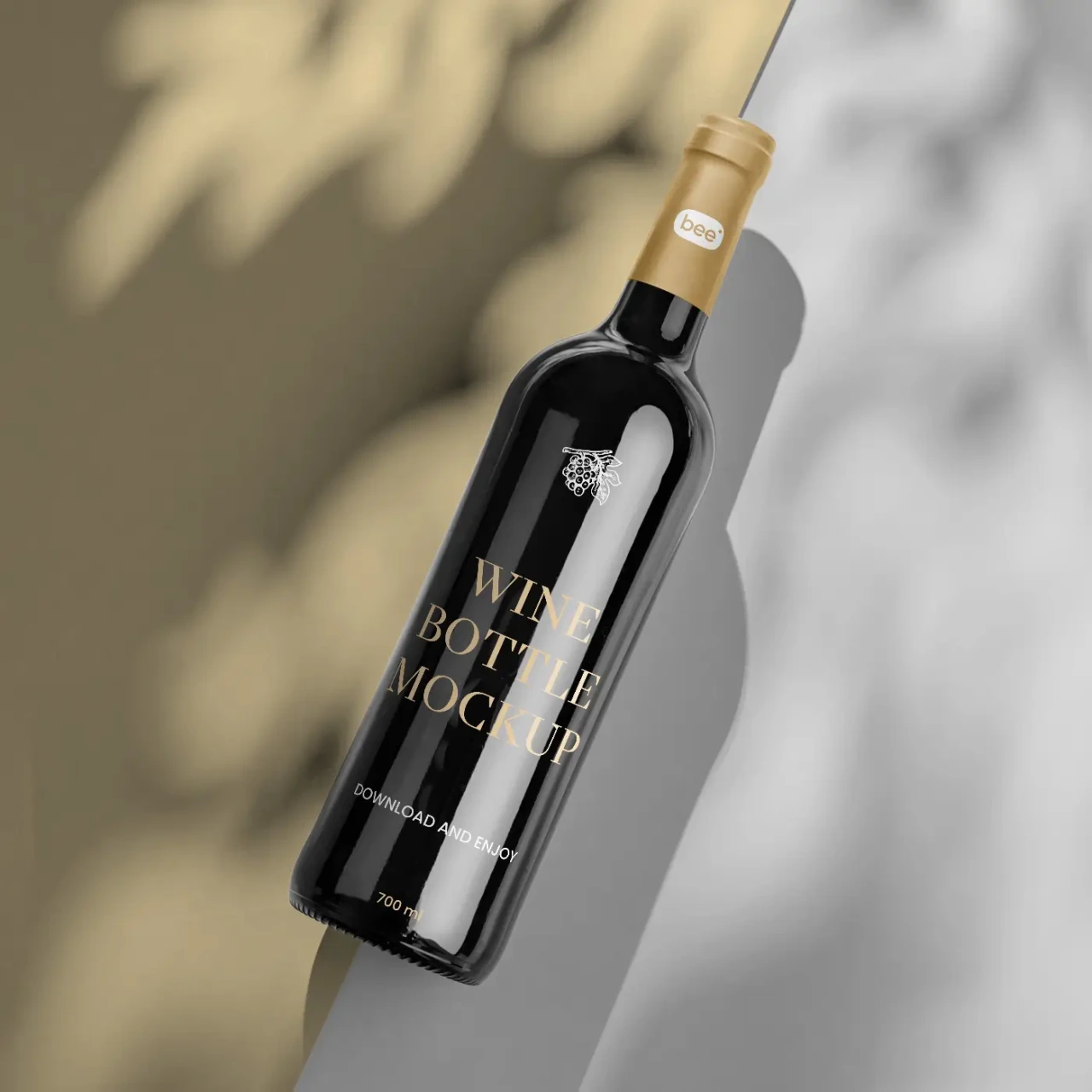
35. Free Lying Wine Bottle Mockup
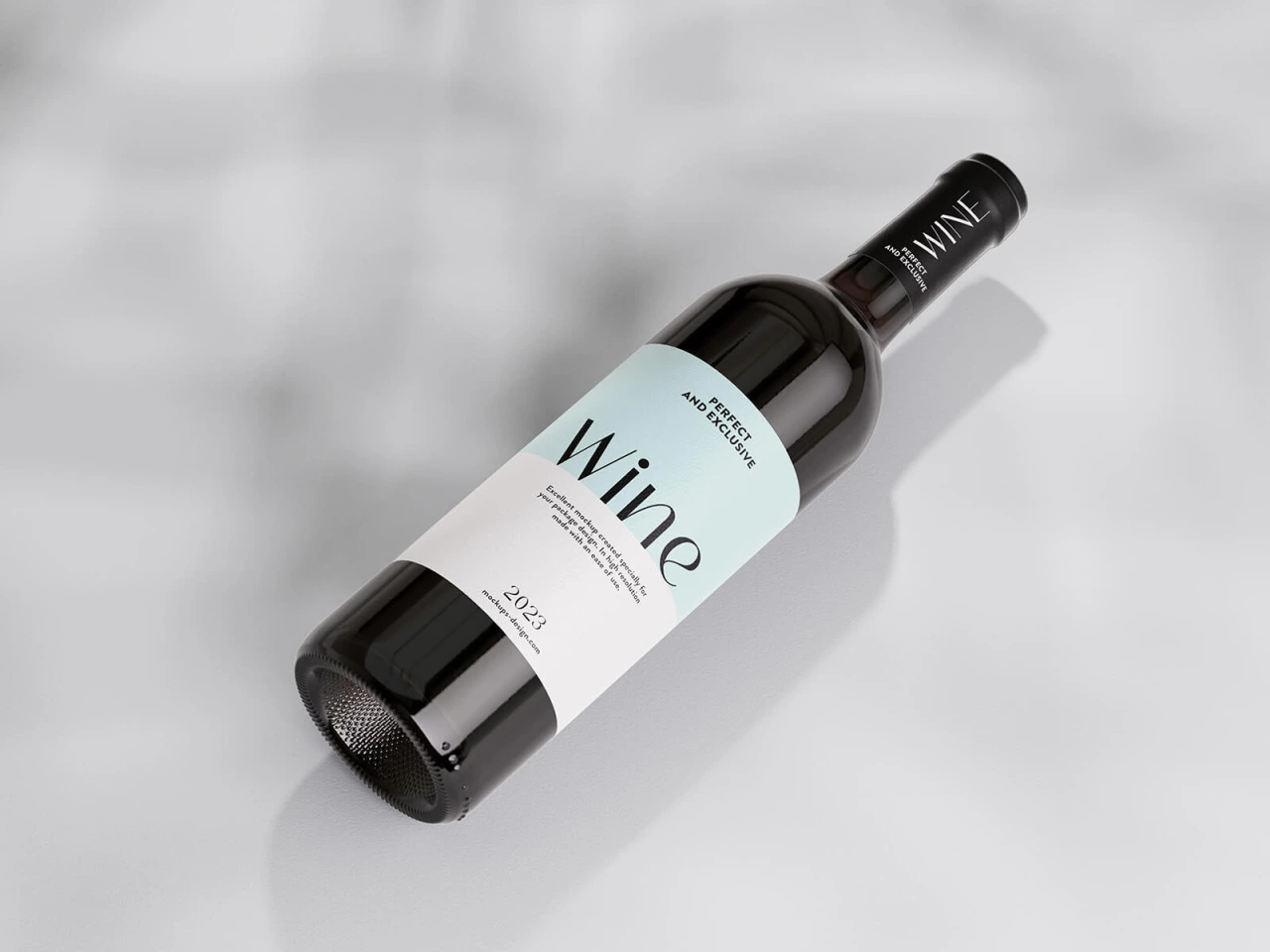
Need something outside wine, such as a cosmetic or skincare label? Our dropper bottle mockups cover a similar range of styles, and our roundup of the best free mockup websites has dozens more options across other product types.
Free versus commercial use: what to check first
Free doesn't always mean cleared for client work. Most free PSD mockups default to personal use unless the source explicitly states a commercial licence. Terms vary between authors and can change over time. Before using one in paid client work, check the licence on the source page rather than assuming it's covered. If you'd prefer a fully custom label or box design rather than adapting a mockup, explore our packaging design portfolio to see examples of original packaging projects we've delivered.
Frequently asked questions
What file format do these wine bottle mockups come in?
They're Adobe Photoshop PSD files built around smart object layers, so you'll need Photoshop, or a compatible editor such as Affinity Photo, to edit them.
Can I use a free wine bottle mockup for a paying client?
It depends on the individual file's licence. Many free mockups are personal-use only unless stated otherwise, so it's worth checking before using one in client work.
Do I need Photoshop specifically?
For full smart object editing, yes, though some newer mockup platforms now offer browser-based editors as an alternative.
How do I swap in my own label design?
Double-click the smart object thumbnail in the layers panel, paste your design into the file that opens, then save and close it. Photoshop applies your artwork to the bottle automatically.
Need a hand turning one of these mockups into a finished label or packaging design? Contact us to take it from concept to print-ready file.

